

Emails play a big role in how a WordPress website works. Every time a user signs up, resets a password, or places an order, the site needs to send a message right away. These messages are not optional. They are a core part of the user experience.
If emails fail to arrive, problems start fast. Users may not confirm their accounts. Customers may miss order details. In many cases, this leads to lost trust, failed actions, and even lost sales.
By default, WordPress sends emails using a simple method. This method works, but it is not reliable for real websites. Messages can land in spam, arrive late, or not send at all. This happens because there is no proper authentication or delivery system behind it.
That is why many site owners use transactional email plugins. These tools connect your website to trusted email services. They help your messages reach the inbox, not the spam folder.
In this guide, you will learn what transactional emails are and why they matter. Then, you will explore the best plugins that help WordPress send emails the right way.
What are transactional emails?
Transactional emails are messages sent automatically after a user takes an action on a website. These emails are not promotional. They are direct responses to what a user just did.
For example, when someone creates an account, the website sends a welcome or verification email. When a user forgets a password, the system sends a reset link. These actions trigger emails instantly.
Here are some common examples of transactional emails:
- Password reset emails
- Order confirmations
- Payment receipts
- Form submission notifications
- Account verification emails
- Comment or activity alerts
These emails carry important information. Users expect them to arrive quickly and correctly. If they don’t, the user experience breaks.
It is also important to understand how transactional emails differ from marketing emails. Marketing emails are sent to promote products or services. They are often sent in bulk. Transactional emails, on the other hand, are sent one by one and are based on user actions.
Because they are so important, transactional emails must be reliable. They need proper delivery systems, authentication, and tracking. This is where WordPress plugins and SMTP services come in. They make sure every message reaches the user on time.
WordPress email sending methods
WordPress can send emails in more than one way. Each method works differently. Some are simple but weak, while others are more reliable and secure. Understanding these methods helps you choose the best option for your site.
Default PHP mail() function
By default, WordPress uses the built-in PHP mail() function. This method is easy to use because it does not need extra setup. Once your site is live, it can start sending emails right away.
However, this method has many limits. It does not use proper email authentication like SPF or DKIM. Because of this, email providers often do not trust these messages. As a result, emails may go to spam or fail to deliver.
Another issue is tracking. You cannot easily check if an email was sent, opened, or failed. For small or test sites, this method may work. But for real business use, it is not a good choice.
SMTP (Simple Mail Transfer Protocol)
SMTP is a more advanced and reliable way to send emails. Instead of sending messages directly from your server, it uses a trusted mail server to deliver them.
With SMTP, your emails go through proper authentication. This helps improve deliverability and keeps your messages out of spam folders. It also adds security, since most SMTP services use encryption.
Many WordPress plugins connect your site to SMTP services like Gmail, Outlook, or other email providers. Once connected, your site sends emails through that service instead of using PHP mail.
This method is widely used because it is stable and easy to manage. It also allows you to monitor email activity and fix issues quickly.
Email Service Providers (ESPs) and APIs
Another modern method is using dedicated email service providers. These platforms are built to handle large volumes of emails with high speed and accuracy.
Instead of SMTP, many of these services use APIs. An API connection allows your website to send emails directly through the provider’s system. This method is faster and often more reliable than traditional SMTP.
These services also offer extra features such as:
- Email logs and delivery reports
- Open and click tracking
- Automatic retries for failed emails
- Better spam protection
- High scalability for growing websites
This method is ideal for eCommerce stores, membership sites, and large platforms where email delivery must always work.
Which method is best?
The default PHP method is simple but not reliable. SMTP is a strong upgrade and works well for most websites. API-based services offer the best performance, especially for high traffic sites.
In most cases, using a WordPress transactional email plugin with SMTP or an API is the smartest choice. It ensures your emails are delivered on time and helps you avoid common issues like spam filtering or failed messages.
Best WordPress transactional email plugins
Choosing the right plugin is key if you want your WordPress emails to reach the inbox every time. A good plugin improves deliverability, adds tracking, and connects your site to trusted email services. Below are eight of the best transactional email plugins, explained in detail so you can pick the right one for your needs.
Post SMTP
WordPress rating: 4.7/5 🌟
Active installations: 400,000+
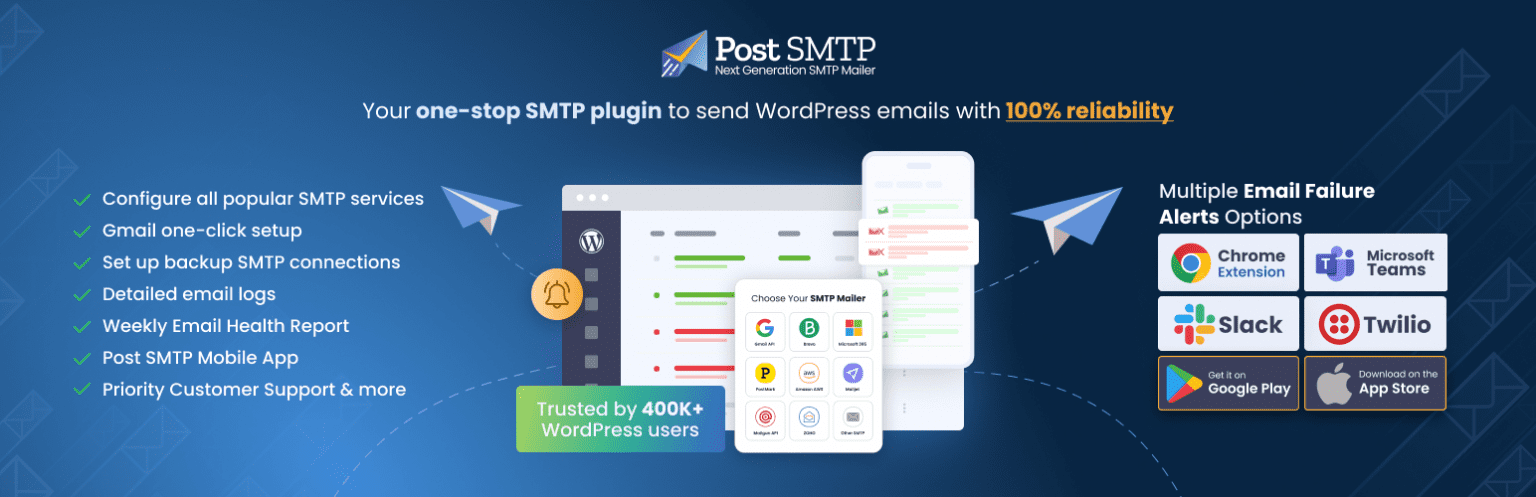
Post SMTP is one of the most reliable plugins for sending transactional emails in WordPress. It focuses strongly on deliverability and helps your emails reach users without issues.
This plugin connects your site to popular email services such as SendGrid, Mailgun, Gmail, and Outlook. It acts as a bridge between WordPress and these services, which improves trust and reduces spam issues.
One standout feature is its connectivity test tool. This tool checks your server settings and finds problems like blocked ports or firewall issues. That means you can fix errors before they affect your emails.
Post SMTP also offers detailed email logs and failure alerts. If an email fails, the plugin can retry sending it using a different method. This backup system ensures important messages like password resets are not lost.
Key highlights:
- Easy setup with guided steps
- Advanced email logging and tracking
- Automatic retry for failed emails
- Works with many SMTP providers
For more details: Post SMTP pricing page.
This plugin is a great choice for users who want strong monitoring and control over their email system.
FluentSMTP
WordPress rating: 4.8/5 🌟
Active installations: 500,000+
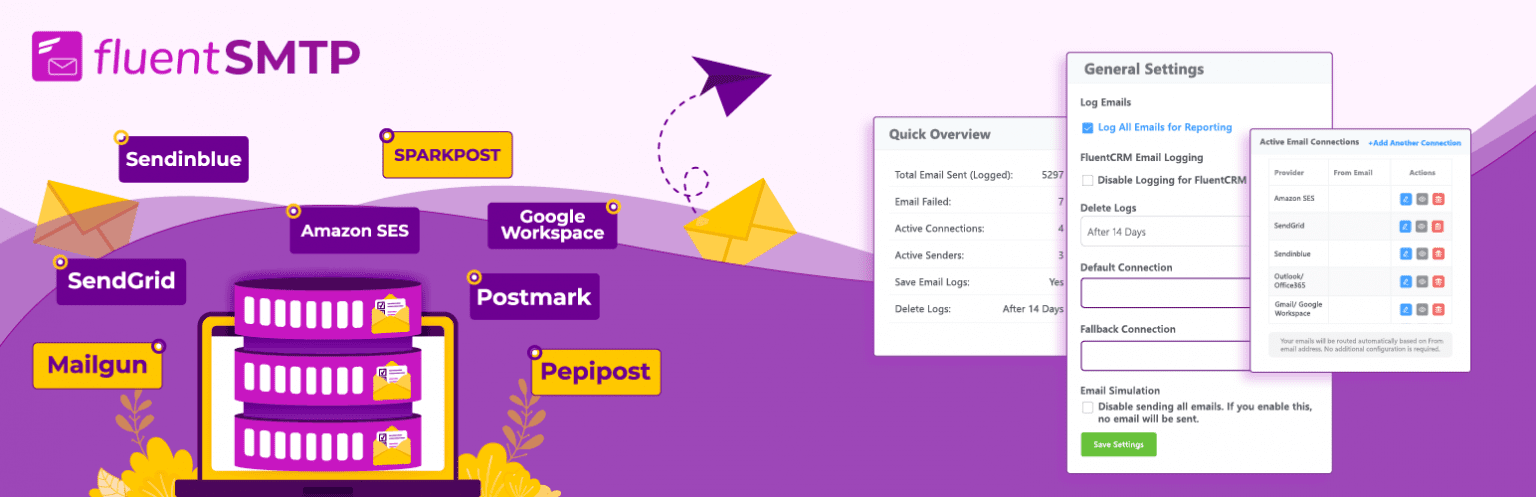
FluentSMTP is a powerful yet simple plugin designed for speed and flexibility. It is fully free and open source, which makes it very popular among WordPress users.
The plugin supports many email providers such as Amazon SES, Gmail, SendGrid, and Postmark. You can even connect multiple providers at the same time and switch between them easily.
One of its best features is email routing. This lets you send different types of emails through different services. For example, you can send order emails through one provider and notifications through another.
FluentSMTP also includes real-time delivery tracking, logs, and detailed reports. It uses modern security methods like OAuth and encryption to keep your emails safe.
Key highlights:
- 100% free with premium-level features
- Multiple SMTP connections
- Smart routing and fallback options
- Detailed reporting and logs
| Infrastructure | Proxy for using an ESP / SMTP |
| WordPress version | 5.5 or higher |
| PHP version | 7.4 or higher |
| Free plan | Yes ✅ |
| Paid plan | N/A ❌ |
| Support forum | Link |
| Supported integrations/mailers | Link |
This plugin is ideal for users who want advanced features without paying for a premium plan.
WP Mail SMTP
WordPress rating: 4.8/5 🌟
Active installations: 4+ million

WP Mail SMTP is one of the most widely used email plugins in WordPress. It is trusted by millions of websites and is known for its ease of use.
The main goal of this plugin is to fix email delivery issues. It replaces the default WordPress mail system with a proper SMTP setup. This ensures emails are authenticated and delivered correctly.
It supports many popular email services such as Gmail, SendGrid, Mailgun, and Brevo. The setup wizard makes it easy for beginners to connect their email service quickly.
WP Mail SMTP also offers advanced features like email logs, failure alerts, and open tracking. The Pro version adds smart routing and backup connections, which improve reliability even more.
Key highlights:
- Beginner-friendly setup
- Wide range of integrations
- Email tracking and reporting
- Backup connections for reliability
| Infrastructure | Proxy for using an ESP/SMTP |
| WordPress version | 5.5 or higher |
| PHP version | 7.4 or higher |
| Free plan | Yes ✅ |
| Paid plan | From $49.00 |
| Support forum | Link |
| Supported integrations/mailers | Link |
For more details: WP Mail SMTP pricing page.
This plugin is perfect for beginners and businesses that want a simple yet powerful solution.
Easy WP SMTP
WordPress rating: 4.6/5 🌟
Active installations: 500,000+

Easy WP SMTP is a lightweight plugin designed for users who want a simple setup. It focuses on basic SMTP configuration without adding complex features.
With this plugin, you can connect your WordPress site to any SMTP server, including Gmail, Outlook, and custom email services. This helps improve email deliverability and reduces spam issues.
It also includes basic email logging and debugging tools. These features help you check if your emails are working properly.
Key highlights:
- Simple and quick setup
- Works with any SMTP provider
- Basic logging and debugging
- Lightweight and easy to use
| Infrastructure | Proxy for using an ESP/SMTP |
| WordPress version | 5.2 or higher |
| PHP version | 7.4 or higher |
| Free plan | Yes ✅ |
| Paid plan | From $49.50/year |
| Support forum | Link |
| Supported integrations/mailers | Link |
For more details: Easy WP SMTP pricing page.
This plugin is best for small websites or beginners who need a straightforward solution.
MailPoet
WordPress rating: 4.4/5 🌟
Active installations: 500,000+

MailPoet is more than just an SMTP plugin. It is a full email marketing tool that also supports transactional emails.
With MailPoet, you can send newsletters, welcome emails, and order notifications from one platform. It also includes built-in templates, which makes email design easy.
One of its biggest advantages is its own email sending service. You can use this service instead of connecting to an external SMTP provider. This simplifies the setup process.
MailPoet also integrates well with WooCommerce, making it a strong choice for online stores.
Key highlights:
- Built-in email templates
- Supports both marketing and transactional emails
- Own email sending infrastructure
- WooCommerce integration
| Infrastructure | Proxy for using an ESP/SMTP + its own infrastructure |
| WordPress version | 6.8 or higher |
| PHP version | 7.4 or higher |
| Free plan | Yes ✅ (Up to 5,000 emails/month) |
| Paid plan | From $10/month (Unlimited emails) |
| Support forum | Link |
| Supported integrations/plugins | Link |
For more details: MailPoet pricing page.
This plugin is ideal for users who want an all-in-one email solution.
The Newsletter Plugin
WordPress rating: 4.6/5 🌟
Active installations: 300,000+

The Newsletter Plugin is another flexible tool that supports both marketing and transactional emails. It is designed to help you manage subscribers and send emails directly from WordPress.
It includes features like list management, email automation, and customizable templates. You can also extend its functionality using add-ons.
While it is mainly used for newsletters, it can also handle transactional emails when combined with SMTP services.
Key highlights:
- Easy subscriber management
- Custom email templates
- Automation features
- Extendable with add-ons
For more details: The Newsletter Plugin pricing page.
This plugin works well for users who want both communication and transactional email features in one place.
Brevo (Sendinblue)
WordPress rating: 4.2/5 🌟
Active installations: 100,000+

Brevo is a complete email service provider with a dedicated WordPress plugin. It allows you to send transactional emails through its own infrastructure.
Once connected, you can use Brevo’s API to send emails faster and more reliably than standard SMTP methods.
The plugin also includes tools for managing email lists, creating forms, and designing emails with a drag-and-drop editor. It even supports multi-channel communication like SMS and WhatsApp.
Brevo offers a free plan with a daily sending limit. Paid plans unlock higher limits and advanced features.
Key highlights:
- API-based email sending
- Built-in email builder
- Advanced analytics and tracking
- Multi-channel marketing support
For more details: Brevo pricing page.
This plugin is a strong choice for growing businesses that need both transactional and marketing tools.
ActiveCampaign Postmark for WordPress
WordPress rating: 4.7/5 🌟
Active installations: 50,000+

ActiveCampaign Postmark is a plugin designed for high-speed transactional email delivery. It connects your WordPress site to Postmark’s email infrastructure.
Postmark is known for its fast delivery and high inbox placement rates. It focuses only on transactional emails, which makes it very reliable for critical messages.
This plugin allows you to send emails using Postmark’s API or SMTP. It also provides detailed tracking, including delivery status and open rates.
Another advantage is its focus on performance. Postmark tracks how quickly emails reach inboxes across major providers like Gmail and Outlook.
Key highlights:
- Fast and reliable delivery
- Detailed analytics and tracking
- API and SMTP support
- Designed for transactional emails only
For more details: Postmark pricing page.
This plugin is best for developers and businesses that need top-level email performance.
Each of these plugins solves a common problem in WordPress email delivery. Some focus on simplicity, while others offer advanced tools and integrations. Choosing the right one depends on your website size, traffic, and email needs.
Wrapping up
Transactional emails are a core part of every WordPress website. They help users complete actions, confirm details, and stay connected with your platform. If these emails fail, the user experience breaks. That can lead to lost trust, missed actions, and even lost revenue.
The default WordPress email system is not built for reliability. It lacks proper authentication and often fails to deliver messages to the inbox. This is why using a transactional email plugin is so important. These plugins connect your site to trusted email systems and improve delivery rates.
In this guide, you explored eight powerful plugins. Some focus on simplicity, while others offer advanced tools like email routing, tracking, and automation. Each plugin has its own strengths, so the right choice depends on your needs.
If you run a small site, a simple SMTP plugin may be enough. But if you manage an online store or a busy platform, you need a more advanced setup with tracking and backup options.
The key is simple. Choose a reliable plugin, connect it to a trusted email service, and test your emails often. This ensures your messages always reach your users at the right time.
FAQ
Which WordPress SMTP plugin should I choose — free or paid?
The choice depends on your website size and needs. Free plugins are often enough for small blogs or simple websites. They can connect your site to SMTP servers and fix basic email delivery problems.
However, paid plugins offer more advanced features. These may include detailed email logs, open and click tracking, priority support, and backup connections. These features become important as your website grows.
If you are just starting, a free plugin with good features can work well. As your traffic and email volume increase, upgrading to a paid version can give you better control and reliability.
Do I need both a plugin and an email service provider?
Yes, in most cases you need both.
The plugin acts as a connector inside your WordPress site. It tells your website how to send emails and where to send them from.
The email service provider handles the actual delivery. It sends your emails through trusted servers with proper authentication. This improves deliverability and reduces the chance of emails going to spam.
Without a plugin, WordPress uses its default method, which is not reliable. Without an email service provider, your plugin has no strong system to send emails through.
Using both together gives you the best results.
Why are my WordPress transactional emails going to spam?
There are several common reasons why this happens.
First, your emails may not be properly authenticated. Without SPF, DKIM, and DMARC records, email providers do not trust your messages. This often leads to spam filtering.
Second, using the default PHP mail method can cause issues. Many hosting servers are not configured for proper email delivery, so messages may look suspicious.
Third, your email content can also affect deliverability. Messages with poor formatting, too many links, or spam-like words may trigger filters.
Another reason is low domain reputation. If your domain is new or has a history of sending poor-quality emails, providers may block or filter your messages.
To fix these issues, use a reliable SMTP plugin, connect to a trusted email service, and set up proper authentication. Also, test your emails often to make sure everything works as expected.
Read More: Find Out Why Email Marketing Is Important: 11 Reasons Why You Should Invest