

Email marketing is still one of the most powerful ways to reach customers. Many businesses rely on email to drive sales, build trust, and grow their audience. In fact, studies show that email delivers a very high return on investment compared to other marketing channels.
But creating a good email is not always easy. You need clean design, proper layout, and code that works across all devices. This is where HTML email builders help.
An HTML email builder lets you create emails without writing complex code. Most tools use a simple drag-and-drop editor. You can add images, text, buttons, and layouts in just a few clicks. These tools also make sure your emails look good on mobile, desktop, and different email apps.
Today, email usage is growing fast. Millions of emails are sent every minute, which makes competition even stronger.
Because of this, businesses need tools that help them design fast, test easily, and send high-quality emails.
Whether you are a beginner or a professional, the right email builder can save time and improve results. It helps you create responsive emails that look clean, load fast, and drive more clicks.
How to Choose the Correct HTML Email Builder
Choosing the right HTML email builder is important. A wrong tool can slow your work and limit your design. A good tool makes everything simple and smooth.
Here are the key things you should look for before choosing one:
1. Ease of Use
Start with a tool that is easy to use. A drag-and-drop editor is the best option. It allows you to design emails without coding.
Look for features like:
- Simple interface
- Ready-made templates
- Quick editing options
A good builder should help you create emails fast without confusion. Even beginners should feel comfortable using it.
2. Design Flexibility and Customization
Basic templates are helpful, but you also need control. Your emails should match your brand style.
Choose a builder that allows:
- Custom fonts and colors
- Layout adjustments
- HTML editing (for advanced users)
Some tools also let you create reusable blocks. This saves time when you build future campaigns.
3. Responsive Design Support
Most people read emails on mobile devices. So, your emails must look good on all screen sizes.
A strong email builder should:
- Automatically create responsive layouts
- Offer mobile preview options
- Let you adjust mobile settings
This helps avoid broken designs and improves user experience.
4. Templates and Pre-built Blocks
Templates make your work faster. Instead of starting from scratch, you can edit an existing design.
Top builders offer:
- Hundreds or even thousands of templates
- Industry-specific designs
- Pre-built sections like headers, footers, and CTAs
This helps you launch campaigns quickly while keeping a professional look.
5. Integration and Export Options
Your email builder should work well with other tools. This includes email platforms, CRMs, and marketing tools.
Check if the builder supports:
- HTML export
- Integration with email services
- API or plugin options
This makes it easier to send emails and manage campaigns.
6. Collaboration Features
Email campaigns often involve teams. Designers, marketers, and writers may all work together.
A good builder should include:
- Team access
- Comment and feedback options
- Role management
This improves workflow and reduces mistakes.
7. Testing and Compatibility
Emails do not look the same in every inbox. Some may break in certain email clients.
Choose a builder that offers:
- Email preview tools
- Testing across devices
- Compatibility with major email clients
This ensures your email looks perfect before sending.
8. Pricing and Scalability
Finally, think about your budget. Many tools offer free plans, but advanced features may cost more.
Pick a builder that:
- Fits your budget
- Offers flexible pricing
- Can grow with your business
As your email list grows, your tool should handle more contacts and campaigns easily.
Best HTML Email Builders: Price Comparison Table
Choosing the right email builder often starts with pricing. Below is a clear comparison of popular tools, including free plans and starting costs.
| HTML Email Builder | Free Plan / Trial | Pricing |
|---|---|---|
| Sender | Yes | Free plan for up to 2,500 subscribers; Paid plans start at $8 |
| SendX | Yes | $9.99/month for up to 1,000 subscribers |
| Stripo | Yes | Starts at $15/month for one user with limited test emails |
| Unlayer | Yes | Starts around $20/month with scalable options |
| Beefree | Yes | Starts at $30/month for unlimited emails |
| Postcards by Designmodo | Yes | Starts at $24/month for limited exports |
| Mailstyler | Yes | $99/year for one installation |
| Mailmodo | Free 21-day trial | Starts at $99/month for up to 40,000 contacts |
These tools offer a mix of free access and flexible paid plans. Most of them scale as your email list grows, making them suitable for both beginners and advanced users.
8 Best Responsive HTML Email Builders
Now let’s explore the best tools in detail. Each builder has unique strengths, so choosing the right one depends on your needs.
1. Sender
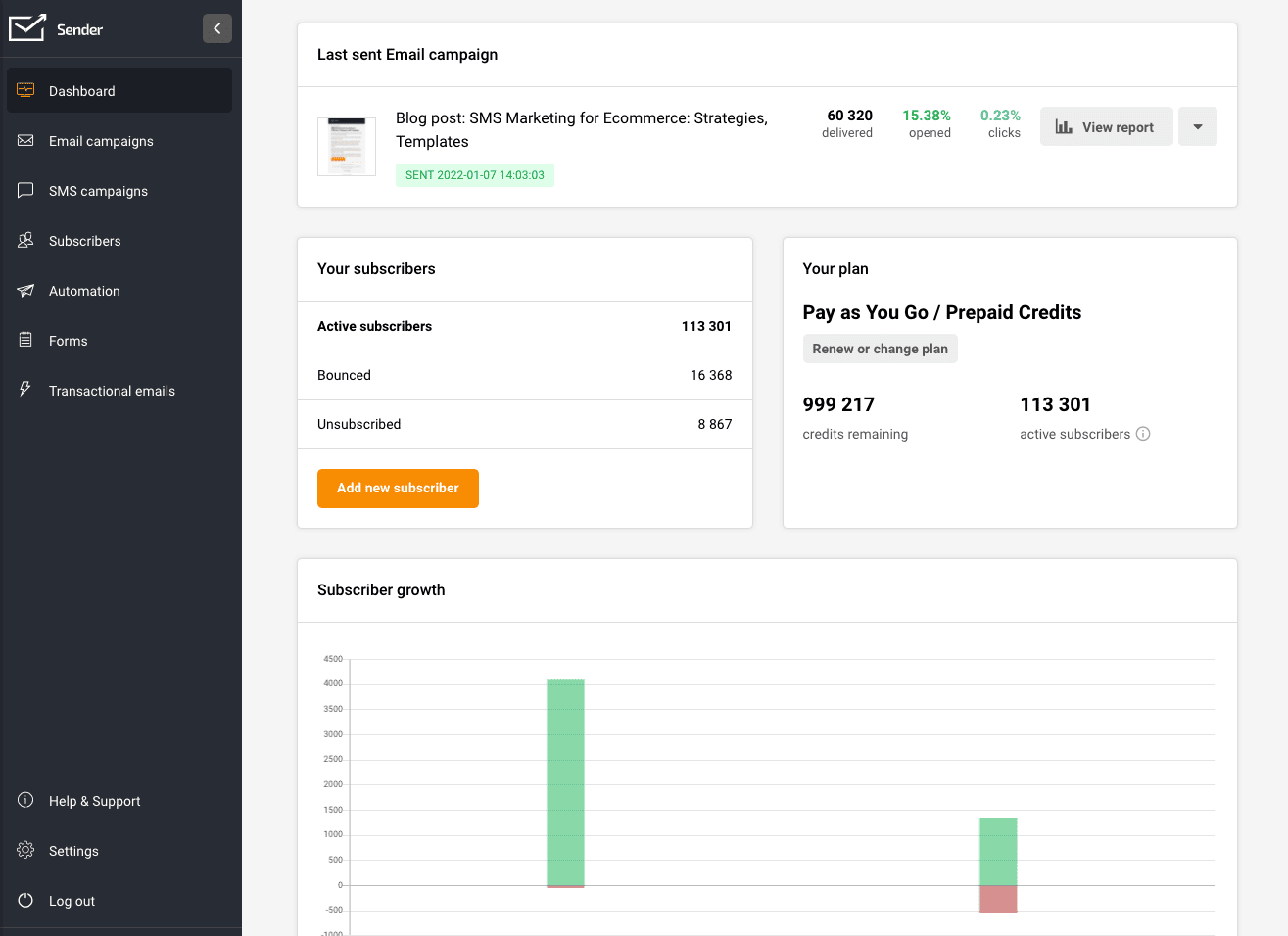
Sender is a simple and budget-friendly email builder. It is a great choice for beginners and small businesses.
Key Features
- Drag-and-drop email editor
- Pre-designed responsive templates
- Built-in analytics and tracking
- Email automation tools
- Subscriber management features
Sender focuses on ease of use. You can quickly create emails without any coding. It also provides strong deliverability tools, which help emails reach the inbox.
Pricing
- Free plan supports up to 2,500 subscribers
- Paid plans start from around $8/month
This makes Sender one of the most affordable options for growing businesses.
2. SendX
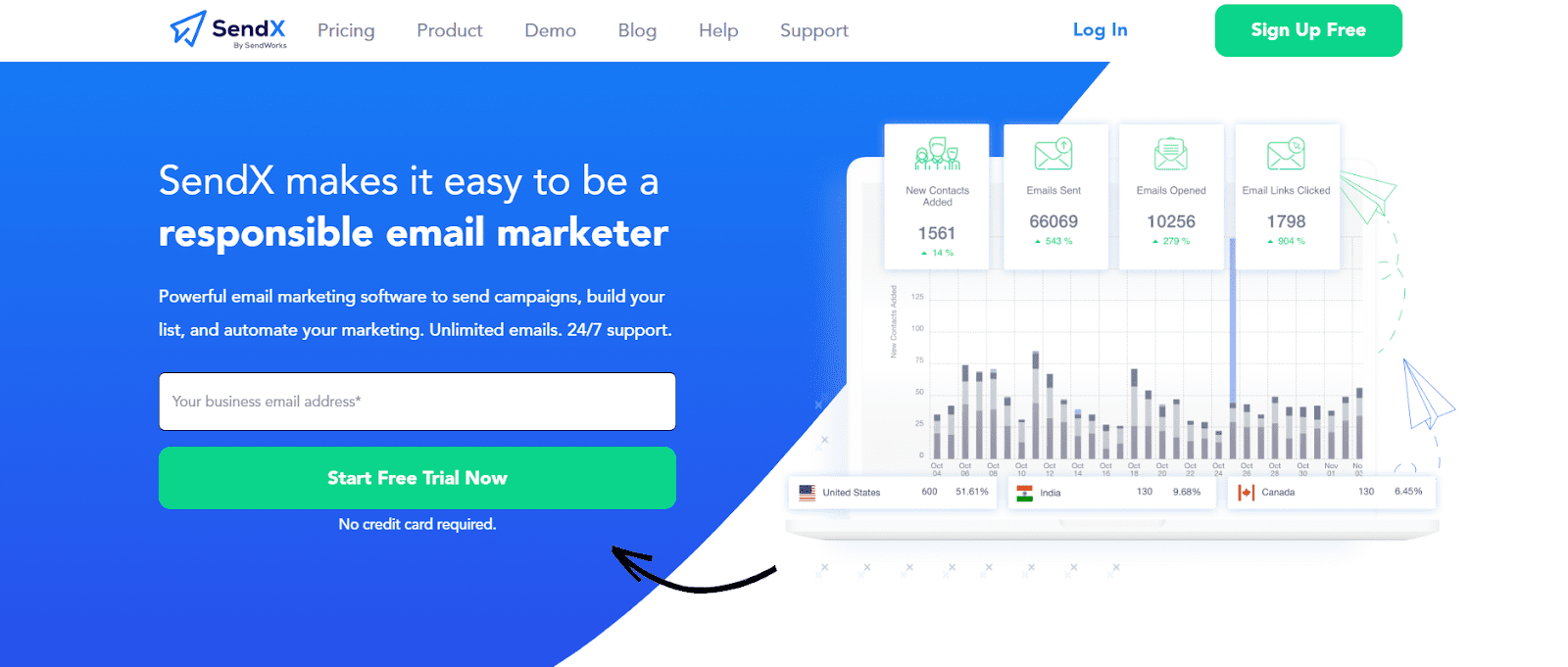
SendX is an all-in-one email marketing tool with a simple email builder. It works well for marketers who want automation and design in one place.
Key Features
- Drag-and-drop builder
- Email automation workflows
- A/B testing support
- List segmentation
- High deliverability focus
SendX is known for its clean interface and ease of campaign setup. It also allows unlimited email sends, which is helpful for scaling campaigns.
Pricing
- Starts at $9.99/month for up to 1,000 subscribers
- Pricing increases based on list size
This tool is ideal for startups and marketers who need both design and automation.
3. Stripo
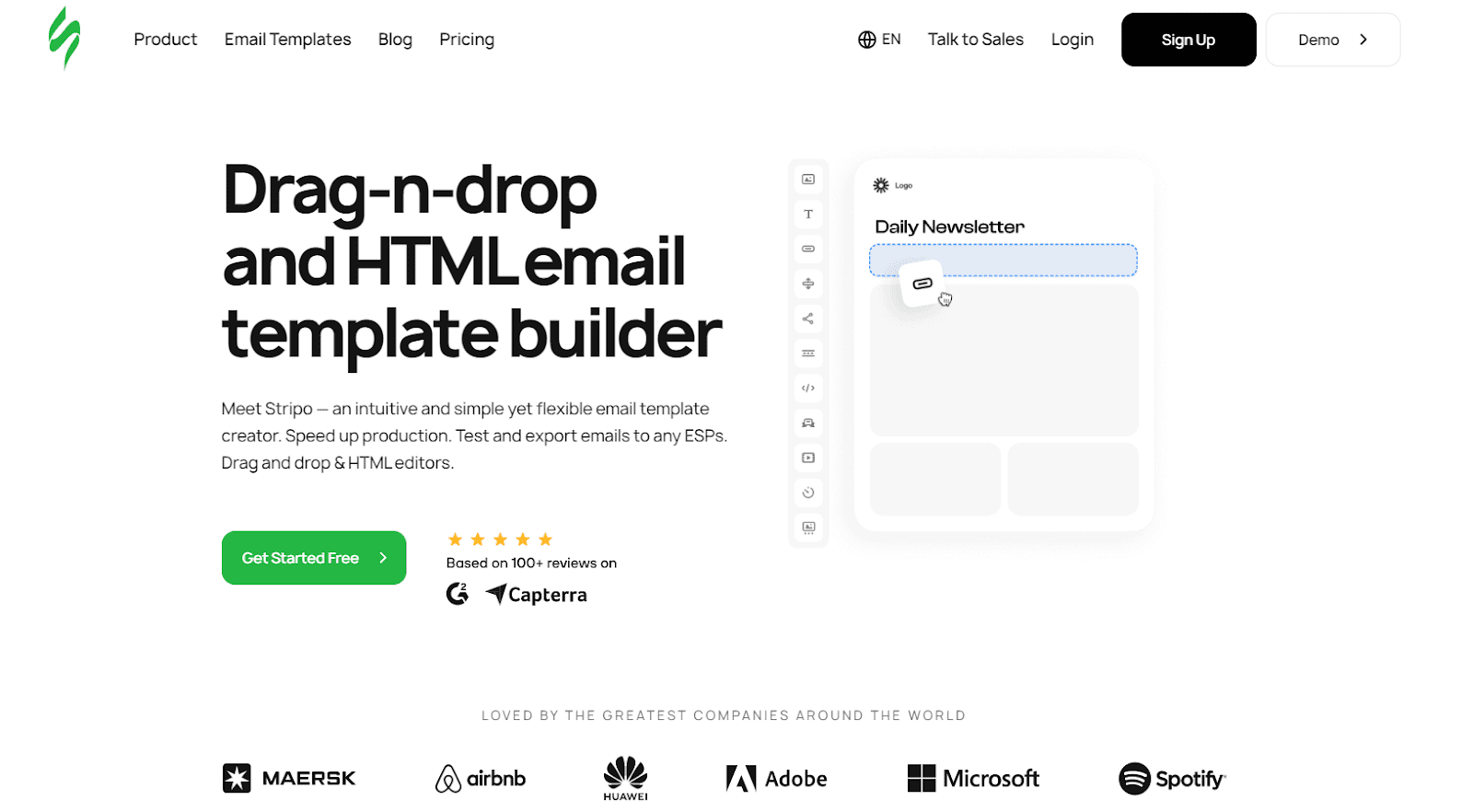
Stripo is one of the most powerful HTML email builders available today. It is widely used by professionals and agencies.
Key Features
- Drag-and-drop editor with HTML access
- Over 1,500 ready-made templates
- Reusable modules for faster design
- Interactive email elements like carousels
- Strong collaboration tools
Stripo stands out because of its flexibility. You can design emails visually or edit the code directly. It also ensures compatibility across different email clients.
Pricing
- Free plan available
- Paid plans start at $15/month
- Higher plans offer more users and testing features
This tool is best for teams that need advanced design control.
4. Unlayer
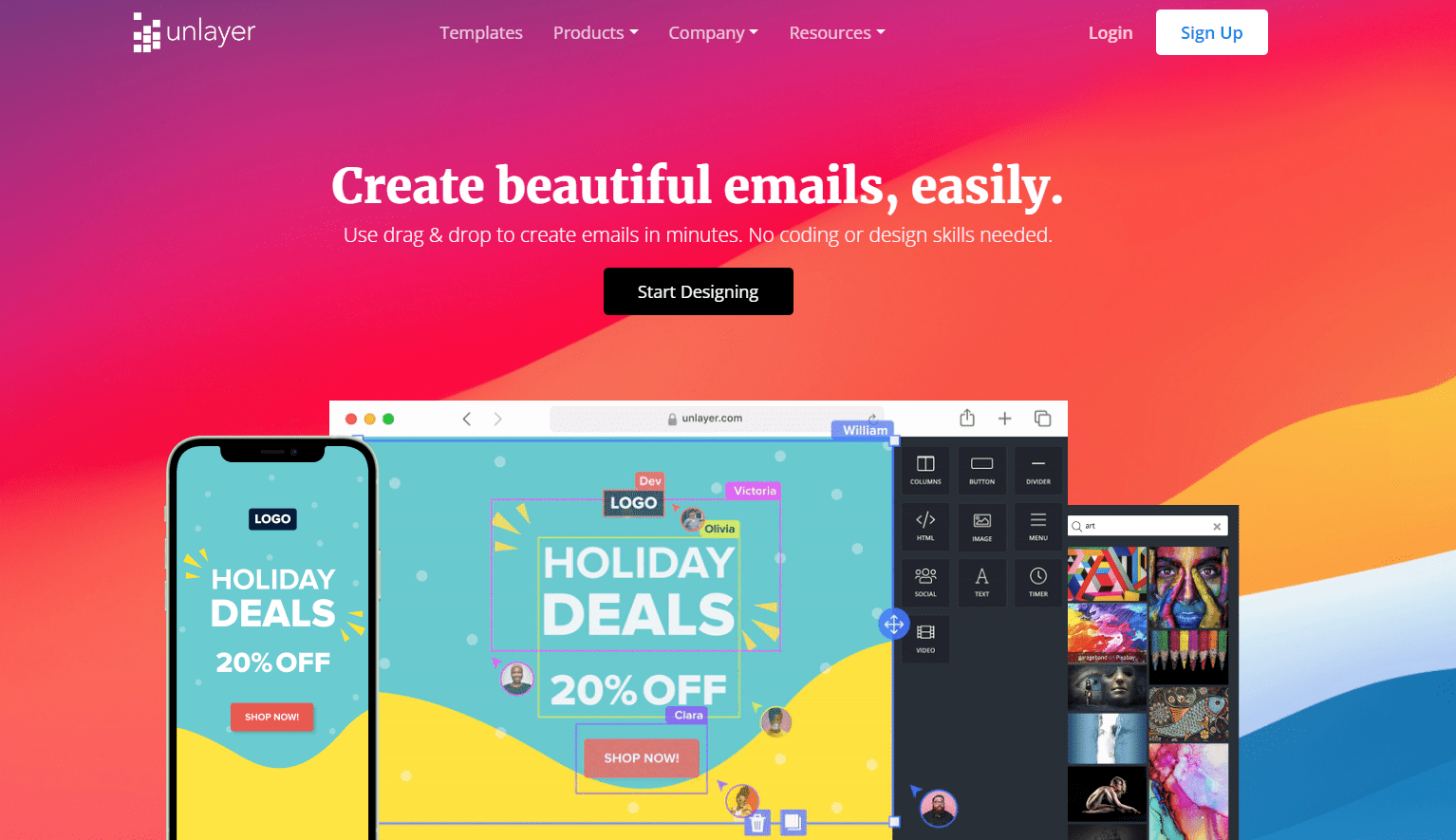
Unlayer is a developer-friendly email builder with strong customization options. It is often used inside SaaS platforms.
Key Features
- Drag-and-drop email editor
- Embeddable builder with API and SDK
- White-label customization
- Dynamic content and personalization
- 1,500+ templates and reusable blocks
Unlayer is highly flexible. It allows businesses to integrate the builder into their own apps and workflows.
Pricing
- Free plan available
- Paid plans start around $20/month
- Advanced plans can go much higher depending on usage
This builder is ideal for developers and large teams.
5. Beefree
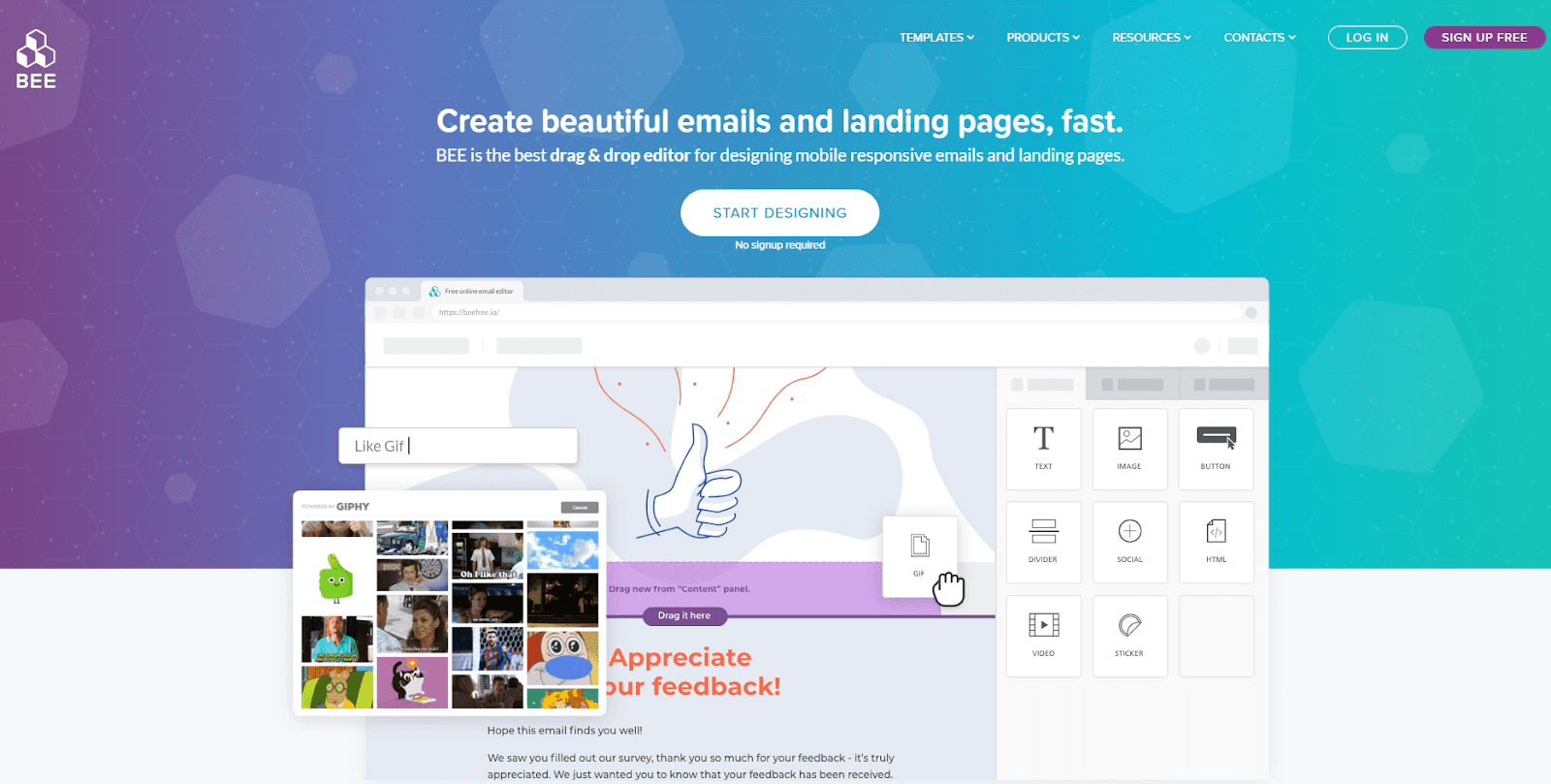
Beefree is a popular no-code email builder known for its ease of use and strong design features.
Key Features
- Drag-and-drop interface
- 1,600+ responsive templates
- Real-time collaboration
- Custom design flexibility
- Integration with major email platforms
It is widely used by designers and marketers who want to create professional emails quickly.
Pricing
- Free plan available
- Paid plans start at $30/month
- Advanced plans for teams and enterprises
Beefree is a great option for teams that need both simplicity and power.
6. Postcards by Designmodo
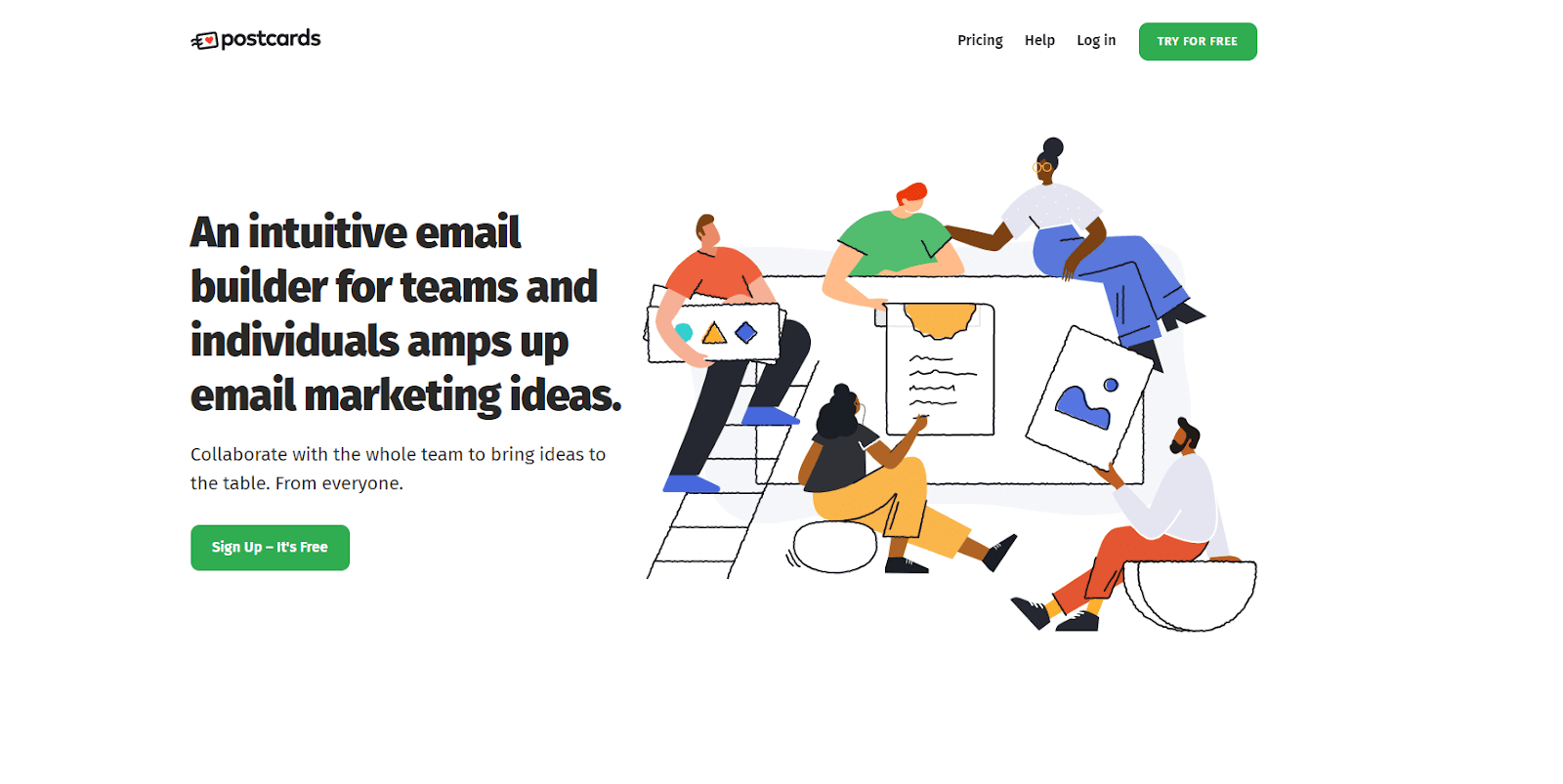
Postcards is a design-focused email builder. It is perfect for users who care about visual quality.
Key Features
- Modular drag-and-drop system
- 100+ pre-built content blocks
- Real-time collaboration
- Clean HTML export
- Brand styling options
The tool allows you to create modern and unique email designs with high flexibility.
Pricing
- Free plan available with limits
- Paid plans start at around $19–$29/month
- Higher plans offer more exports and team features
This tool is best for designers and creative teams.
7. Mailstyler
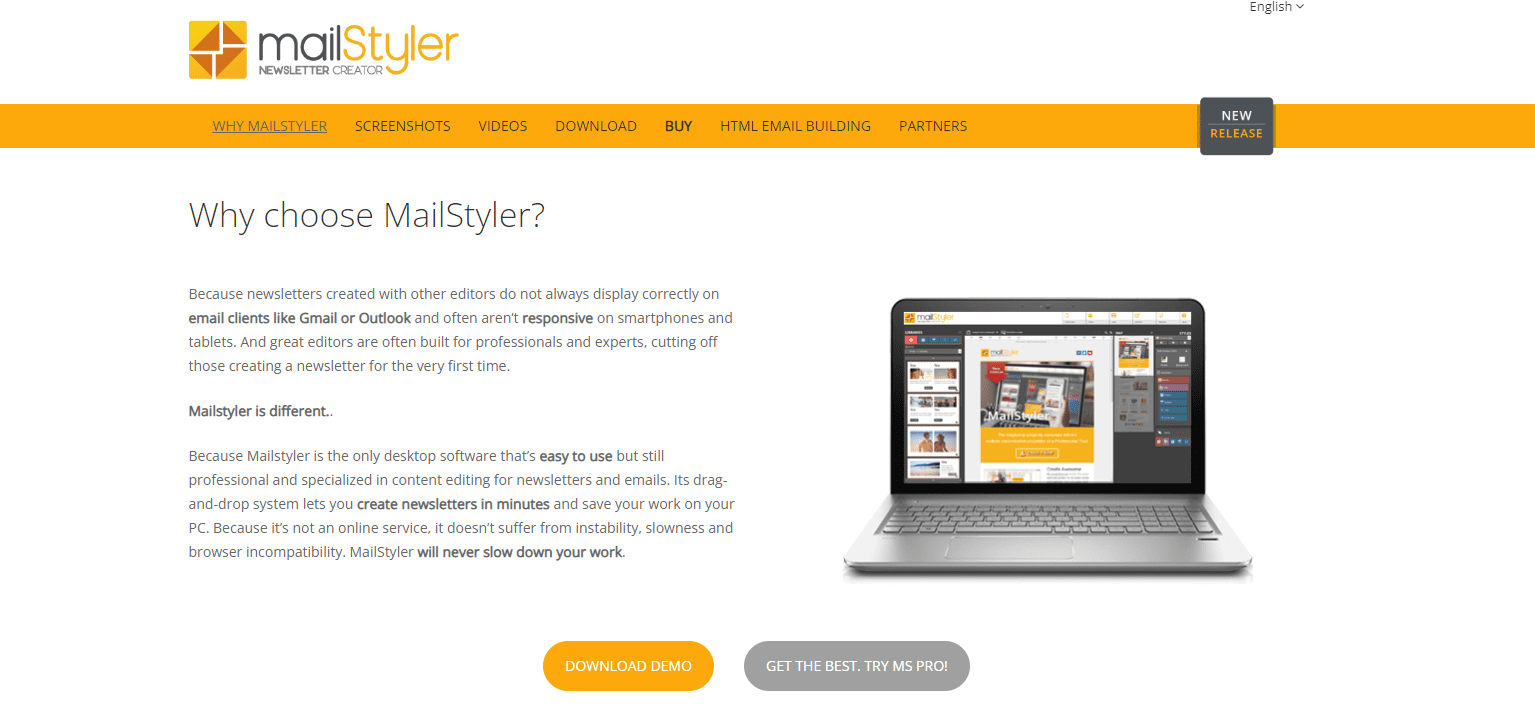
Mailstyler is a desktop-based email builder. It is different from most tools because it works offline.
Key Features
- Drag-and-drop editor
- Desktop-based software
- Export HTML to any email platform
- Pre-designed templates
- Works without internet connection
It is useful for users who want full control over email design and files.
Pricing
- Free trial available
- Paid version costs around $99/year
Mailstyler is ideal for users who prefer offline tools and one-time pricing.
8. Mailmodo
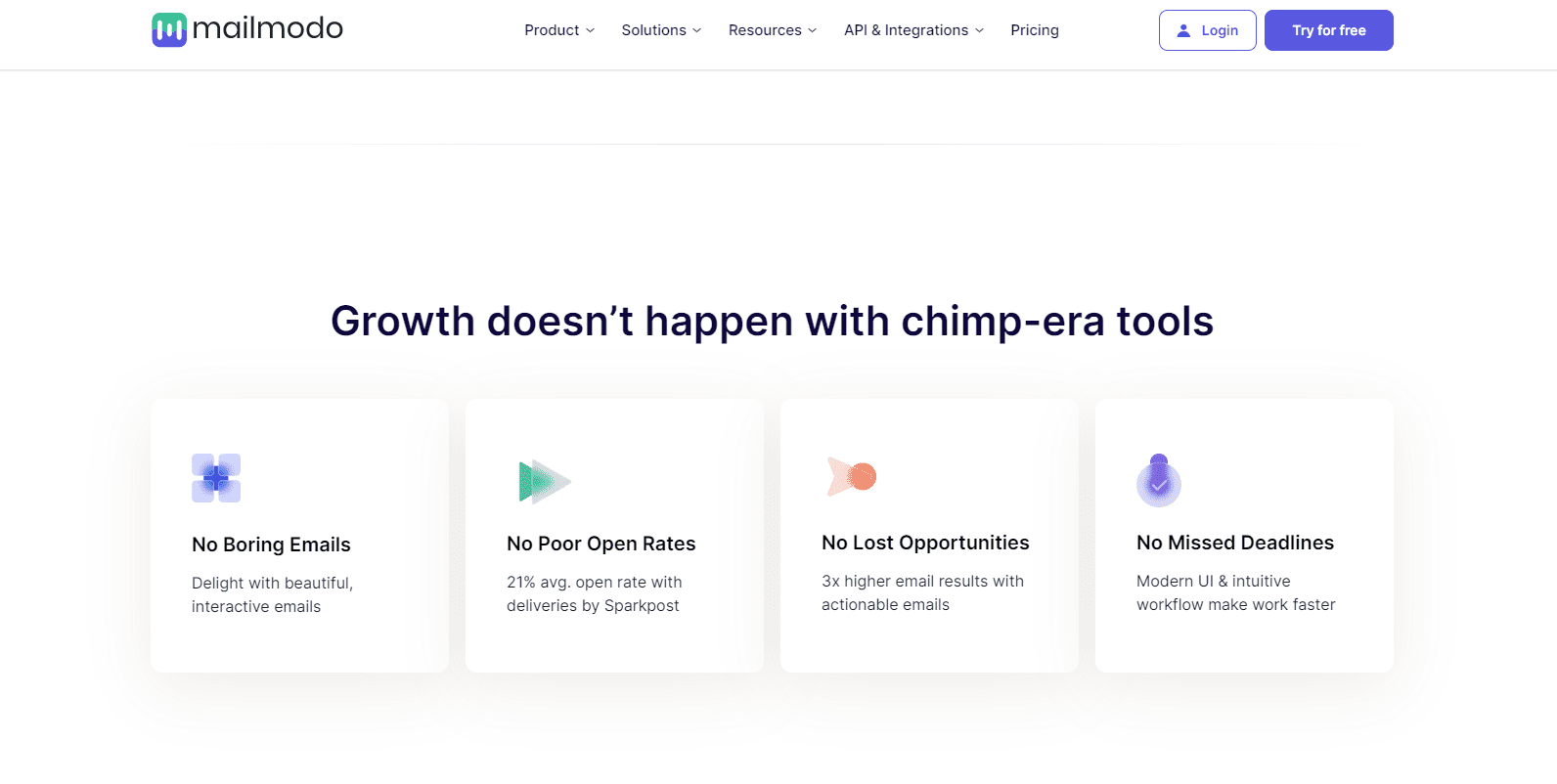
Mailmodo is more than just an email builder. It allows users to create interactive emails with AMP technology.
Key Features
- No-code email builder
- Interactive email elements like forms and quizzes
- 200+ templates and 100+ blocks
- Built-in campaign management
- CRM integrations
Mailmodo helps increase engagement by allowing users to interact directly within emails.
Pricing
- 21-day free trial available
- Paid plans start at $99/month
- Pricing depends on the number of contacts
This tool is best for marketers who want advanced and interactive campaigns.
Key Takeaways on the Best Responsive HTML Email Builders
Choosing the right HTML email builder is crucial for creating successful email campaigns. The tools we reviewed offer a mix of simplicity, design flexibility, and advanced features. Understanding their strengths helps you pick the one that fits your needs best.
For beginners or small businesses, Sender and SendX are excellent choices. They are affordable, easy to use, and include essential features like drag-and-drop editors, templates, and automation. These tools allow users to start campaigns quickly without needing coding skills.
If design control and advanced features are important, Stripo and Unlayer stand out. Stripo offers a vast template library, reusable modules, and interactive elements, while Unlayer provides API integration and embeddable builders. These are ideal for teams or developers who need flexibility and collaboration tools.
For creative professionals, Beefree and Postcards by Designmodo offer modern, visually appealing templates and real-time collaboration. They focus on design quality and allow marketers to create unique, branded emails efficiently.
Mailstyler is a desktop-based solution, perfect for users who prefer offline editing and one-time pricing. It provides full control over the email layout and allows HTML export to any platform.
Finally, Mailmodo takes email engagement to the next level with interactive AMP emails. Forms, quizzes, and other elements can be added directly inside the email, boosting user interaction and conversion rates.
Overall, the best HTML email builder depends on your goals, technical skills, and budget. Free plans are useful for testing, while paid options offer scalability and advanced features. Regardless of the tool you choose, responsive design, ease of use, and reliable deliverability remain the key factors for successful campaigns. Picking the right builder ensures your emails look professional, perform well on all devices, and drive better results for your business.
Read More: Best 8 WordPress Transactional Email Plugins Reviewed