Customer relationships are the foundation of every successful business. Companies today interact with customers through many channels such as websites, emails, social media, and support platforms. Managing all this information manually can quickly become difficult. That is why many organizations rely on Customer Relationship Management (CRM) systems to organize data and improve customer interactions.
A CRM system helps businesses store customer details, track communication history, and understand customer behavior. It allows sales, marketing, and support teams to work with the same information in one centralized platform. When implemented correctly, a CRM system can improve team productivity, strengthen customer relationships, and increase revenue.
CRM implementation is not only about installing software. It requires clear planning, the right strategy, and proper integration with marketing tools such as email marketing platforms. Email marketing plays an important role in CRM because it allows businesses to communicate with customers directly, send personalized offers, and nurture long-term relationships.
Modern email marketing strategies focus on personalization, data segmentation, automation, and deliverability optimization. These techniques help businesses send the right message to the right customer at the right time. When email marketing works together with a CRM system, companies can better understand their audience and build stronger engagement across the customer journey.
Best email marketing tips: a snapshot
Successful email marketing is built on a few essential principles. Businesses that apply these principles consistently see higher engagement rates, better customer relationships, and stronger campaign performance. Four major practices stand out in modern email marketing strategies: email deliverability, hyper-personalization, advanced segmentation, and AI-driven sending.
Email deliverability
Email deliverability refers to the ability of your emails to reach a subscriber’s inbox rather than being filtered into spam folders. Even the best email campaign will fail if recipients never see it. Deliverability depends on several factors, including sender reputation, list quality, authentication settings, and sending behavior.
A strong sender reputation is created by sending relevant emails to subscribers who want to receive them. Poor list management, inactive contacts, or sending emails too frequently can harm this reputation and cause messages to be flagged as spam. Email providers also analyze technical factors such as domain authentication and sending patterns to determine whether emails are trustworthy.
Maintaining clean email lists is another important step. Removing invalid or inactive addresses reduces bounce rates and protects domain reputation. When email lists contain outdated or fake addresses, engagement rates drop and deliverability suffers.
Businesses should also gradually increase sending volume when launching new campaigns. This process, often called email warming, allows mailbox providers to recognize the sender as trustworthy. Over time, consistent sending patterns improve inbox placement and overall campaign performance.
Hyper personalization
Personalization has become one of the most powerful techniques in email marketing. In the past, personalization meant adding a subscriber’s first name to an email. Today, hyper-personalization goes much further by using customer data, browsing behavior, purchase history, and preferences to tailor each message.
Hyper-personalized emails provide content that matches the individual interests of each recipient. For example, an online store can recommend products based on previous purchases or browsing behavior. A travel company may send destination suggestions based on a customer’s past trips or search history.
This level of personalization improves engagement because customers receive messages that are relevant to their needs. Instead of generic promotional emails, subscribers receive content that feels useful and timely. Research shows that personalized campaigns often generate higher open rates and stronger customer loyalty.
Hyper-personalization also supports better customer experiences. When businesses understand customer behavior and preferences, they can design email journeys that guide subscribers through different stages of the buying process.
Advanced segmentation
Segmentation is the practice of dividing an email list into smaller groups based on shared characteristics. Instead of sending the same message to every subscriber, businesses can deliver targeted content to specific audience segments.
Common segmentation criteria include demographic data, purchase history, geographic location, engagement level, and browsing behavior. For example, new subscribers may receive onboarding emails, while loyal customers receive special offers or exclusive updates.
Segmented campaigns are more effective because they focus on relevance. Subscribers are more likely to open and engage with emails that match their interests. Targeted messaging also improves click-through rates and conversions.
Segmentation also supports better campaign management. When businesses understand their audience groups, they can design marketing strategies that address different customer needs. Over time, updating and refining segments helps keep campaigns relevant as customer preferences change.
AI-driven sending
Artificial intelligence is transforming email marketing by helping marketers analyze large amounts of data and automate campaign decisions. AI tools can examine subscriber behavior, engagement patterns, and previous interactions to improve campaign performance.
One of the most valuable AI features is predictive send-time optimization. Instead of sending emails to all subscribers at the same time, AI analyzes when each individual is most likely to open messages and schedules delivery accordingly. This approach increases engagement because emails arrive when subscribers are actively checking their inbox.
AI also supports automated segmentation, content optimization, and A/B testing. By analyzing past campaign performance, AI systems can recommend subject lines, adjust email frequency, and personalize content dynamically. These tools allow marketers to test multiple variations and quickly identify the most effective strategies.
Another advantage of AI-driven email marketing is scalability. Businesses can manage large email lists and complex campaigns without manually analyzing every dataset. Automation handles repetitive tasks while marketers focus on strategy and creative messaging.
As email marketing technology continues to evolve, AI will play an even larger role in improving personalization, optimizing campaigns, and strengthening customer relationships across the entire marketing funnel.
Email list-building tips

Building a strong email list is the first step in successful email marketing. A high-quality list helps businesses reach people who are genuinely interested in their products or services. Instead of buying email lists, companies should focus on organic list growth. Organic subscribers are more likely to open emails, engage with content, and become loyal customers. The following strategies can help businesses grow their email list effectively.
Create lead magnets
Lead magnets are valuable resources offered to visitors in exchange for their email addresses. They work because they provide something useful that solves a problem or delivers helpful information. When visitors see real value in the offer, they are more willing to share their contact details.
A lead magnet can take many forms. Some popular options include free eBooks, downloadable guides, industry reports, checklists, templates, webinars, or discount codes. For example, an online store might offer a 10% discount on a first purchase, while a software company may provide a free trial or a detailed product guide.
The key to an effective lead magnet is relevance. It should match the interests of the target audience and provide immediate value. If the content is helpful and easy to access, visitors will trust the brand more and feel confident subscribing to future emails.
Embed pop-up forms
Pop-up forms are another effective method for collecting email addresses. These forms appear on a website while visitors are browsing and encourage them to subscribe before leaving the page. When used correctly, pop-ups can capture the attention of users and significantly increase subscription rates.
However, timing and design are important. Pop-ups should not appear immediately when a user opens a page. Instead, they should trigger after a few seconds of browsing or when a visitor scrolls down the page. Exit-intent pop-ups are also useful because they appear when a user is about to leave the website.
To make pop-ups effective, businesses should keep the message simple and clear. The form should ask only for essential information, usually a name and email address. A short explanation of the benefits of subscribing can also encourage more users to sign up.
Optimize CTAs and place them strategically
A call-to-action (CTA) encourages visitors to take the next step, such as subscribing to an email list. Strong CTAs help guide users toward signup forms and improve conversion rates.
Effective CTAs use clear and action-focused language. Instead of generic phrases like “Submit,” businesses can use more engaging phrases such as “Get the Guide,” “Start Your Free Trial,” or “Join the Newsletter.” These messages clearly explain what the user will receive after signing up.
Placement also plays a big role in CTA performance. CTAs should appear in visible locations across the website. Common placements include website headers, blog posts, landing pages, and the end of articles. Adding CTAs within high-traffic pages increases the chances that visitors will notice them and subscribe.
Testing different CTA designs, colors, and wording can also help identify what works best for the audience. Over time, businesses can refine these elements to improve email list growth.
Email deliverability tips
Email deliverability determines whether your emails reach the inbox or get filtered into spam folders. High deliverability ensures that subscribers actually receive and read your messages. Without proper deliverability practices, even well-designed campaigns may fail.
Maintaining good deliverability requires attention to both technical settings and sending behavior. The following practices help protect sender reputation and improve inbox placement.
Authenticate your domain
Domain authentication is a critical technical step that verifies the identity of the email sender. Email providers use authentication protocols to confirm that messages come from a trusted source rather than from spammers.
Common authentication methods include SPF (Sender Policy Framework), DKIM (DomainKeys Identified Mail), and DMARC (Domain-based Message Authentication, Reporting, and Conformance). These protocols work together to verify the sender’s domain and ensure that the message has not been altered during transmission.
When these authentication records are properly configured, email providers trust the sender more. This trust increases the chances that messages will reach the inbox instead of being blocked or filtered as spam.
Check sender score and blacklists
A sender score is a reputation rating assigned to a sending domain or IP address. Email service providers monitor this score to determine whether a sender is trustworthy. A high score usually means that emails are sent responsibly and that subscribers engage with them.
Businesses should regularly monitor their sender score to ensure that it remains in a healthy range. If the score drops, it may indicate problems such as high bounce rates, spam complaints, or sending to inactive email addresses.
It is also important to check whether a domain or IP address appears on email blacklists. Blacklists are databases used by email providers to block suspicious senders. If a sender is listed, their emails may be automatically rejected or filtered.
To avoid these issues, businesses should maintain clean email lists, remove inactive contacts, and send emails only to subscribers who have given permission to receive them.
Steer clear of spam triggers
Spam filters analyze emails to detect patterns that may indicate unwanted or harmful messages. Certain words, formatting styles, or sending behaviors can trigger these filters and cause emails to be marked as spam.
For example, excessive use of capital letters, too many exclamation marks, or misleading subject lines may raise suspicion. Large attachments or an imbalance between images and text can also trigger spam filters.
To avoid these problems, marketers should write clear and honest email content. Subject lines should accurately reflect the message inside the email. Emails should also include an easy way for subscribers to unsubscribe if they no longer wish to receive messages.
Consistently following best practices helps maintain a good sender reputation and ensures that marketing emails reach their intended audience.
Email sending tips
Sending emails at the right time and using reliable tools can greatly improve campaign performance. A well-planned sending strategy helps maintain engagement and prevents subscribers from feeling overwhelmed by too many messages.
Use reliable ESPs
An Email Service Provider (ESP) is the platform used to send marketing emails, manage subscriber lists, and track campaign performance. Choosing a reliable ESP is essential for successful email marketing.
Good ESPs provide features such as email automation, segmentation tools, deliverability monitoring, and performance analytics. They also maintain strong relationships with major email providers, which helps improve inbox placement.
Reliable ESPs also support authentication protocols, provide spam testing tools, and offer list management features. These capabilities help marketers follow best practices and maintain a positive sender reputation.
Optimize send time
The timing of email delivery can significantly affect open rates and engagement levels. Emails sent when subscribers are actively checking their inbox are more likely to be opened and read.
Different audiences have different habits. For example, business audiences may check emails during work hours, while consumer audiences may engage more in the evening. Analyzing past campaign data can help identify the best sending times for a specific audience.
Many modern email platforms also provide send-time optimization tools. These tools analyze subscriber behavior and automatically schedule emails for the time when each recipient is most likely to engage.
Ensure consistency in email sending
Consistency plays a key role in building trust with subscribers and maintaining a strong sender reputation. If emails are sent irregularly or too frequently, subscribers may lose interest or mark messages as spam.
Businesses should establish a clear email schedule that aligns with audience expectations. For example, newsletters may be sent weekly, while promotional emails might be scheduled around specific campaigns or product launches.
Maintaining a predictable sending pattern helps subscribers know when to expect messages. It also signals to email providers that the sender follows responsible email practices. Over time, this consistency improves engagement rates and strengthens deliverability performance.
Email Subject Line Tips
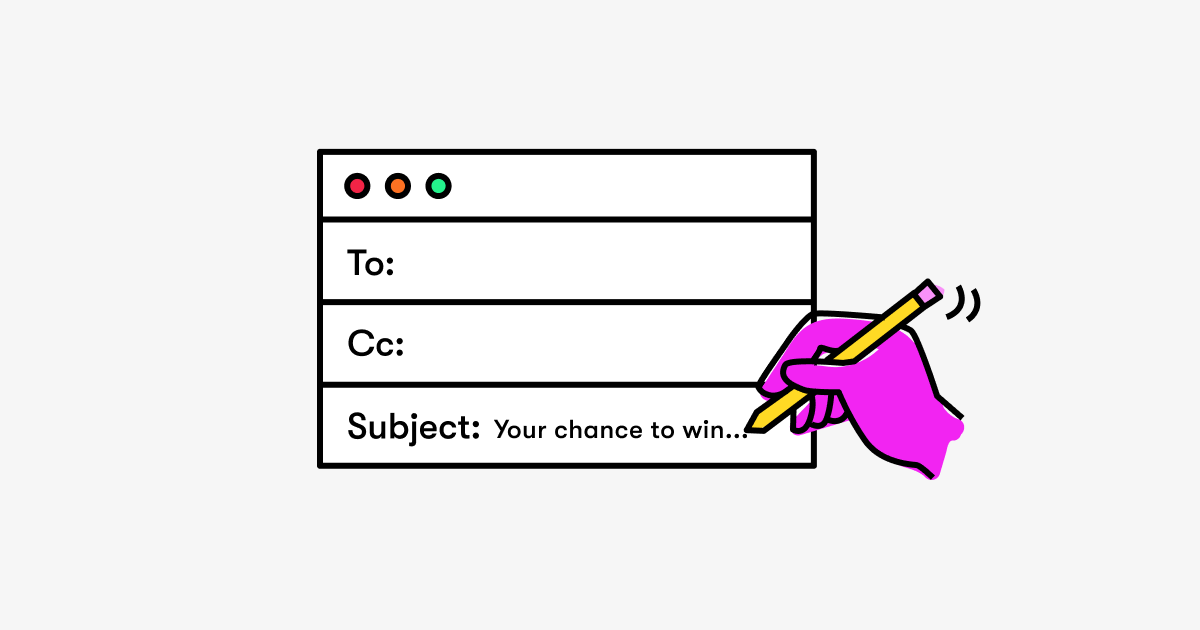
The subject line is the first thing a subscriber sees when an email arrives in their inbox. It plays a major role in determining whether the message will be opened or ignored. Even if the email contains valuable information, a weak subject line can reduce open rates and limit campaign success. Strong subject lines attract attention, communicate value, and encourage readers to explore the message.
Keep them short and captivating
Short subject lines are easier to read and more effective in crowded inboxes. Many people check their emails on mobile devices, where long subject lines may be cut off. Keeping the subject line brief ensures that the main message is visible at a glance.
A good subject line should clearly communicate the purpose of the email while sparking curiosity. Words should be simple and direct so readers can quickly understand the benefit of opening the message. For example, instead of writing a long promotional message, a concise subject line can highlight a key offer or insight.
Clarity also matters. Subscribers should know what to expect when they open the email. If the subject line is misleading or unclear, it may lead to lower trust and higher unsubscribe rates. Captivating subject lines combine clarity with a small element of curiosity that motivates the reader to click.
Create a sense of urgency
Urgency can encourage subscribers to take action quickly. When people feel that an opportunity is limited, they are more likely to open the email and explore the offer. Urgency works well for promotions, limited-time discounts, event registrations, or product launches.
Subject lines that highlight time-sensitive opportunities can increase engagement. Phrases that suggest limited availability, deadlines, or exclusive access often motivate readers to respond faster. However, urgency should be used honestly and carefully. Overusing urgent phrases may reduce credibility and cause subscribers to ignore future emails.
A balanced approach works best. Marketers should reserve urgency for real offers or important updates. This helps maintain trust and keeps subscribers interested in upcoming messages.
A/B test subject lines
A/B testing is a powerful method for improving email performance. It involves creating two or more variations of a subject line and sending them to different segments of the audience. By comparing the results, marketers can identify which version generates better open rates.
Testing allows businesses to understand what type of messaging resonates most with their audience. For example, one version might focus on curiosity while another highlights a clear benefit. The results show which approach attracts more attention.
Over time, regular testing helps marketers refine their email strategies. They learn what tone, wording, and length work best for their subscribers. This data-driven approach ensures that future campaigns become more effective and engaging.
Email content tips

After a subscriber opens an email, the content must quickly capture interest and guide the reader toward the desired action. Clear structure, relevant messaging, and easy readability are essential for keeping readers engaged.
Start with a strong salutation
The opening line of an email sets the tone for the entire message. A strong salutation makes the email feel more personal and welcoming. Instead of jumping directly into a promotion or announcement, a friendly greeting helps establish a connection with the reader.
A simple greeting followed by a short introduction works well in most cases. It can acknowledge the subscriber, reference their interests, or introduce the purpose of the message. When the introduction feels natural and conversational, readers are more likely to continue reading.
The opening paragraph should also quickly highlight the value of the email. Readers should understand why the message matters to them within the first few sentences.
Keep it concise
Most people scan emails rather than reading every word. Long paragraphs and dense text can quickly overwhelm readers and cause them to lose interest. Clear and concise content improves readability and helps readers focus on the main message.
Short paragraphs, bullet points, and clear headings make the email easier to navigate. Each section should deliver one key idea so readers can quickly absorb the information. Visual balance between text and white space also improves readability.
Concise emails respect the reader’s time. By focusing on the most important information, marketers increase the chances that subscribers will stay engaged and take action.
Add a clear CTA
A call-to-action (CTA) tells readers what step to take next. Every marketing email should guide the subscriber toward a specific action, such as visiting a website, downloading a resource, or making a purchase.
The CTA should be simple and direct. Clear phrases such as “Learn More,” “Download the Guide,” or “Shop Now” help readers understand what they will gain by clicking. CTAs often appear as buttons or highlighted links to make them easy to notice.
Placement is also important. A CTA can appear near the beginning of the email, within the content, or at the end of the message. In longer emails, repeating the CTA can ensure that readers see it even if they skip certain sections.
Email personalization tips
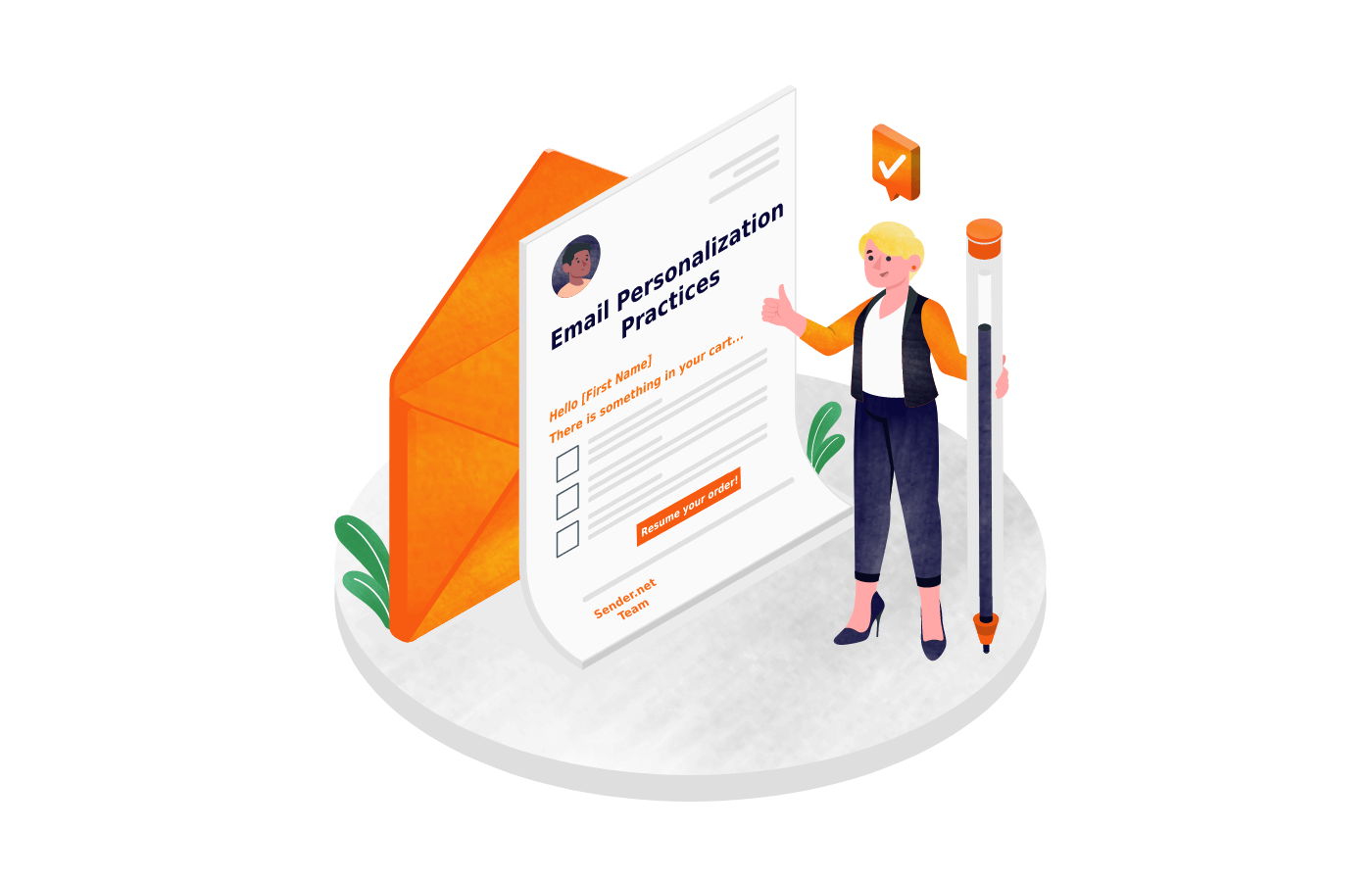
Personalization helps emails feel more relevant and meaningful to subscribers. When messages match a reader’s interests or behavior, they are more likely to capture attention and drive engagement. Modern email marketing tools make it easier to personalize campaigns using data and automation.
Action-triggered personalized emails
Action-triggered emails are automatically sent when a subscriber performs a specific action. These emails respond directly to user behavior, making them timely and highly relevant.
For example, a welcome email can be sent immediately after someone subscribes to a newsletter. Other examples include abandoned cart reminders, follow-up emails after a purchase, or recommendations after a product view.
Because these emails are triggered by real actions, they often achieve higher engagement rates than standard campaigns. They arrive at the right moment and provide information that matches the subscriber’s current interest.
Dynamic product recommendations
Dynamic product recommendations use customer data to suggest products that match a subscriber’s preferences. This strategy is widely used in e-commerce, where past purchases and browsing behavior help predict future interests.
For example, if a customer recently bought a specific product, the next email might recommend similar items or complementary accessories. These suggestions appear automatically within the email based on the subscriber’s profile.
Dynamic recommendations improve the shopping experience by helping customers discover relevant products. At the same time, businesses benefit from increased conversions and stronger customer loyalty.
Location-specific offers
Location-based personalization allows marketers to tailor email content according to a subscriber’s geographic location. This approach is useful for businesses that operate in multiple regions or offer location-dependent services.
For example, a company may promote local events, regional discounts, or store openings based on where subscribers live. Weather-related offers or seasonal promotions can also be customized to match local conditions.
Location-specific messaging makes emails feel more relevant and practical. Instead of receiving generic promotions, subscribers receive offers that apply directly to their environment and needs. This increases engagement and improves the overall effectiveness of email campaigns.
Email design tips

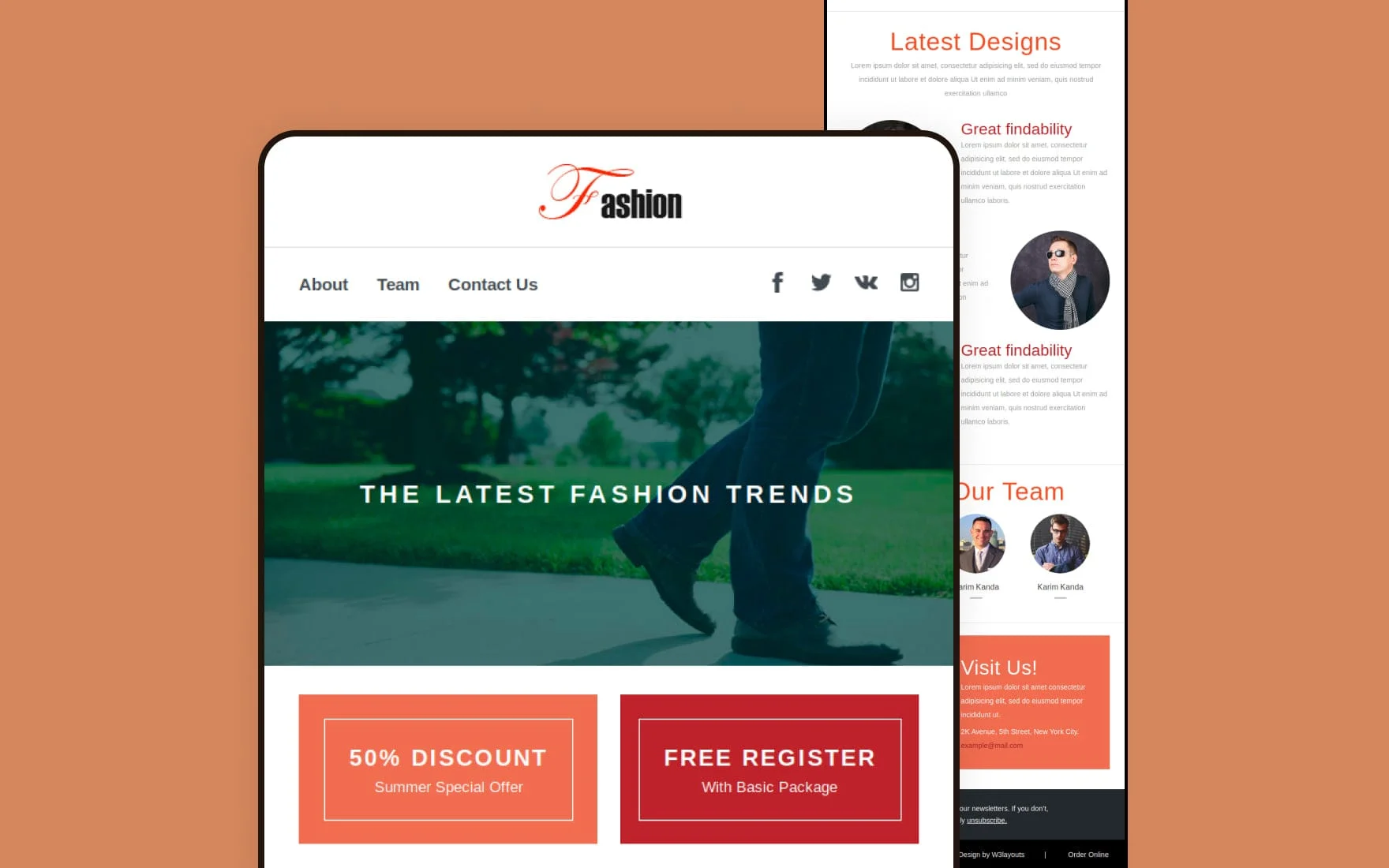
Email design plays a major role in how subscribers experience your message. A well-designed email makes the content easier to read and helps guide the reader toward the main action. Poor design, on the other hand, can make emails confusing or difficult to read, especially on mobile devices. Modern email marketing focuses on simple layouts, clear structure, and strong visual balance.
Make emails readable across multiple devices
Today, many people open emails on smartphones or tablets rather than desktop computers. Because of this, emails must display properly on different screen sizes. If an email is not optimized for mobile devices, text may appear too small, images may break, and buttons may become difficult to tap.
Responsive email design solves this problem by automatically adjusting the layout to fit the screen. Text should remain readable without zooming, and images should scale properly on both large and small displays. Buttons and links should also be large enough to tap easily on touchscreens.
Another important factor is layout simplicity. Single-column layouts often work better for mobile devices because they keep content organized and easy to follow. Short paragraphs and clear headings also improve readability. When emails are easy to read on any device, subscribers are more likely to stay engaged and complete the intended action.
White spacing
White space, also called negative space, refers to the empty space between text, images, and other elements within an email. While it may seem simple, white space plays an important role in improving readability and visual clarity.
Crowded emails with too many elements can overwhelm readers. When there is not enough space between sections, subscribers may struggle to understand the message. White space solves this issue by creating clear separation between different parts of the email.
For example, adding space around headings, images, and call-to-action buttons helps draw attention to important elements. White space also makes the email feel more organized and professional. Instead of looking cluttered, the content appears clean and easy to navigate.
Effective use of white space guides readers naturally from one section to the next. This helps them focus on the main message and encourages them to take action.
Add brand elements
Brand elements help create a consistent and recognizable identity across all marketing communications. When subscribers see familiar colors, logos, and visual styles, they quickly recognize the brand behind the message.
Common brand elements used in emails include logos, brand colors, typography, and signature design styles. For example, a company may use its brand color for headings, buttons, or background sections. This creates visual consistency with the company’s website and other marketing channels.
Adding brand elements also builds trust. When emails maintain the same look and feel as other brand materials, subscribers feel confident that the message comes from a reliable source. Consistent branding strengthens recognition and helps businesses build stronger relationships with their audience over time.
However, branding should not overwhelm the content. The goal is to support the message while keeping the email clean and easy to read. Balanced design ensures that branding enhances the user experience rather than distracting from it.
Email marketing automation tips

Email marketing automation allows businesses to send targeted messages automatically based on user behavior or predefined triggers. Automation saves time, improves efficiency, and ensures that subscribers receive relevant messages at the right moment. When used correctly, automation can strengthen customer relationships and support long-term engagement.
Send automated welcome emails
Welcome emails are often the first message a new subscriber receives after joining an email list. This makes them an important opportunity to introduce the brand and create a positive first impression.
Automated welcome emails are sent immediately after someone subscribes. They typically thank the subscriber for joining, explain what type of content they will receive, and provide useful information about the brand or service.
Welcome emails can also include helpful resources, product recommendations, or exclusive offers for new subscribers. Because these messages arrive at the moment when interest is highest, they often achieve higher open and click rates than regular campaigns.
A strong welcome email sequence may include several messages sent over a few days. This approach helps new subscribers learn about the brand, understand its value, and become more engaged with future emails.
Automate behavioral responses
Behavior-based automation sends emails based on specific actions taken by subscribers. These actions may include visiting certain pages, clicking links, making purchases, or abandoning a shopping cart.
For example, if a customer adds items to an online shopping cart but leaves without completing the purchase, an automated reminder email can encourage them to return and finish the transaction. Similarly, follow-up emails after a purchase can provide product tips, request feedback, or recommend related items.
Behavioral emails are effective because they respond directly to the subscriber’s interests. Instead of sending generic promotions, businesses send messages that match real user activity. This makes the communication more relevant and increases engagement.
Automation tools allow marketers to create workflows that trigger these responses automatically. Once the system is set up, emails are delivered at the right moment without manual effort.
Use automation for lead generation
Automation can also support lead generation by nurturing potential customers over time. Not every subscriber is ready to make a purchase immediately. Automated email sequences help guide these leads through the decision-making process.
For example, when someone downloads a guide or signs up for a webinar, an automated email series can provide additional educational content. These emails may share helpful tips, case studies, or product insights that address common questions.
This gradual approach builds trust and keeps the brand in the subscriber’s mind. As leads learn more about the product or service, they become more confident in making a purchase decision.
Automation also allows businesses to score and track leads based on their engagement. When a subscriber shows strong interest by opening emails or clicking links, the system can trigger more targeted offers or notify the sales team. This ensures that promising leads receive timely attention and increases the chances of conversion.
Implement the Best Email Marketing Tips
Success in email marketing doesn’t come from chasing every new trend or trying to do it all at once. The key is mastering the fundamentals first and refining your approach through consistent testing and iteration.
Ready to take your email marketing strategy to the next level?
Leverage Teno Mail to streamline sending, automate testing, and make every campaign smarter and more effective.
Read More: 7 Subject Line Testers Tried & Compared: Here’s What I Found