Email marketing continues to be one of the highest-ROI digital channels in 2026—but only if your emails actually reach the inbox. With inbox providers becoming smarter and spam filters more aggressive, simply sending emails is no longer enough. Every campaign now competes for trust, relevance, and engagement.
This is where email deliverability becomes critical. Poor deliverability means your messages land in spam folders or get blocked entirely, no matter how valuable your content or offer is. On the other hand, strong deliverability ensures your emails reach real people, drive engagement, and support long-term marketing success.
In this guide, you’ll learn what email deliverability really means, why it matters more than ever in 2026, and how to avoid common mistakes that push emails into spam. Whether you’re running promotional campaigns, newsletters, or transactional emails, understanding deliverability is essential for consistent results.
What Is Email Deliverability?
Email deliverability refers to the ability of an email to successfully reach the recipient’s inbox, rather than being filtered into spam, junk, or blocked folders. It goes beyond simple email delivery, which only confirms that an email was accepted by the recipient’s mail server.
In practical terms:
-
Email delivery answers: Was the email sent and accepted by the server?
-
Email deliverability answers: Did the email land in the inbox where it can be seen and opened?
Deliverability is influenced by multiple factors, including sender reputation, authentication setup, infrastructure quality, email content, and recipient engagement. Internet service providers (ISPs) and mailbox providers evaluate these signals to decide whether your emails are trustworthy or potentially harmful.
In 2026, inbox providers rely heavily on machine learning and real-time behavioral data. This means your sending history, how recipients interact with your emails, and how well you follow best practices all play a direct role in inbox placement. Brands that treat deliverability as an ongoing strategy—not a one-time setup—are far more likely to avoid the spam folder and maintain consistent visibility in subscribers’ inboxes.
The Email Deliverability Infographic
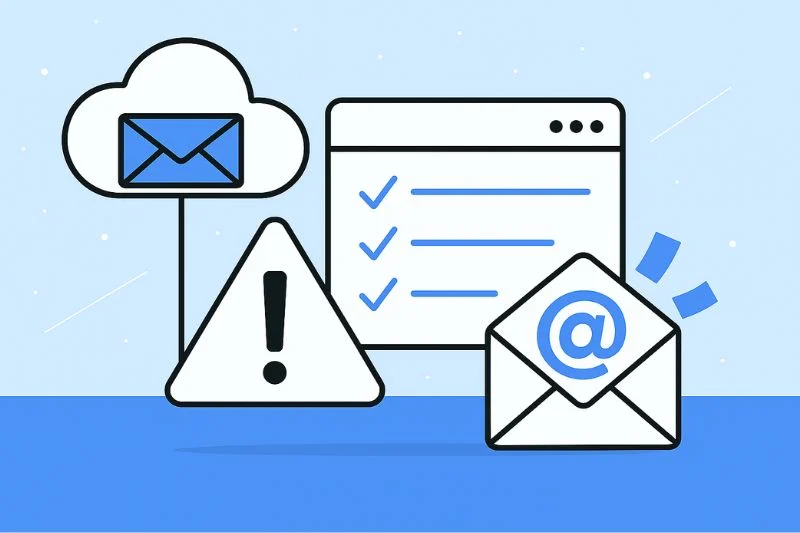
In the world of email marketing, visual summaries like infographics are especially useful for breaking down the complex journey your emails take before landing in a subscriber’s inbox—or getting lost in the spam folder. A well-designed deliverability infographic illustrates all the key checkpoints and signals that email service providers (ESPs) and internet service providers (ISPs) use to decide whether to accept, filter, or block your messages.
At its core, this infographic serves as a roadmap of what affects your inbox placement, combining technical, behavioral, and content-related factors into one unified view:
🛣️ The Journey from Send to Inbox
Most infographics start by showing the path an email takes after you hit send—a path filled with validation, filtering, scoring, and ranking steps. Before an email even gets a chance to reach an inbox, it must pass through:
-
Server-to-server transmission checks (handshake with recipient mail server)
-
Authentication verifications (did the email really come from the domain it claims?)
-
Reputation checks involving IP and domain health
-
Engagement and recipient behavior signals
-
Content analysis for spam triggers
If any of these checkpoints fail, your email might be diverted to a spam folder, flagged for review, or outright blocked. This visual flow helps marketers understand that deliverability isn’t a single metric—it’s a combination of many small, cumulative signals influencing where an email lands.
📊 Categories Covered in a Deliverability Infographic
The most effective infographics organize deliverability factors into clear categories, such as:
1. Reputation Signals
This includes sender reputation, domain reputation, and IP score. These are often compared to a credit score for emails: the higher your score based on past behavior and quality, the better your inbox placement.
2. Technical Authentication Checks
Infographics visually break down how anti-spoofing protocols like SPF, DKIM, and DMARC work together to confirm your identity as a sender. These are often shown as checkpoints between your server and the recipient’s inbox.
3. Infrastructure Factors
This section illustrates how your sending platform, IP allocation (shared vs. dedicated), and server setup influence deliverability. Gradual IP warm-up and consistent volume are typically highlighted.
4. Content and Engagement
Many infographics emphasize content quality and engagement metrics such as open rates, click-throughs, and spam complaints—showing how these affect your sender reputation over time.
5. List Quality and Hygiene
Good infographic designs include checks for list bounces, spam traps, and inactive subscribers—reminding marketers why regular list cleaning matters.
🎯 Why This Visual Matters
Rather than just listing best practices, an infographic connects cause and effect. It tells the story of how your technical setup, subscriber engagement, and sending habits collectively shape your deliverability outcomes for each campaign. This bird’s-eye view helps marketers quickly identify weak points in their strategy and take targeted action.
If you want help visualizing these points in your blog post (e.g., suggestions on diagrams or infographic content sections), I can help with that next!
How Email Reputation Impacts Deliverability
Email reputation is one of the most powerful drivers of whether your email lands in the inbox or the spam folder. Think of it as your digital credibility score with mailbox providers: the better your reputation, the more likely your messages are trusted and delivered.
📦 What Is Email Reputation?
Email reputation is a composite score that mailbox providers assign to your email-sending identity, based on historical behavior, engagement, compliance, and sending practices. This reputation isn’t just tied to one element; it reflects:
-
Sender reputation
-
Domain reputation
-
IP address reputation
-
Engagement signals from recipients
These elements act together like a track record. If past emails have triggered complaints, generated bounces, or shown low engagement, mailbox providers treat future emails with more suspicion. Conversely, consistent positive interactions improve your reputation over time.
📊 What Impacts Email Reputation?
Here are the key contributors to your reputation score:
1. Engagement Metrics
Mailbox providers watch how recipients interact with your emails—including opens, clicks, replies, and even the lack of engagement. High engagement tells the provider that users value your content, which improves your reputation. Low engagement signals disinterest or possible spam, which harms deliverability.
2. Spam Complaints and Unsubscribes
When recipients mark your email as spam or unsubscribe in large numbers, providers take notice. High complaint rates are one of the strongest negative signals—enough to trigger more aggressive filtering of your emails in the future.
3. Bounce Rates and List Quality
Sending to invalid addresses or spam traps increases your bounce rate and damages reputation. Maintaining a clean email list with accurate, engaged subscribers helps prevent these reputation hits.
4. Sending Practices
Consistent sending patterns with controlled volume and frequency signal stability. Sudden spikes in volume or erratic sending behavior create trust issues, especially with new IPs or domains.
🧠 How Providers Use Reputation
Mailbox providers use reputation scores to make real-time decisions about inbox placement:
-
High reputation → email likely lands in the inbox
-
Medium or unknown reputation → email might land in secondary folders (e.g., Promotions)
-
Low reputation → email might land in spam or be rejected entirely
This makes reputation more important than just technical setup—if your reputation is poor, even properly authenticated emails may not reach the preferred inbox.
📈 The Long-Term Nature of Reputation
Unlike a technical fix that works instantly, reputation builds (or degrades) over time. Providers look at historical behavior; positive habits yield long-term trust, and negative habits accumulate consequences slowly.
🛠 How to Strengthen Your Reputation
Some reputation boosters include:
-
Sending only to engaged subscribers
-
Cleaning lists regularly
-
Avoiding spam traps and purchased lists
-
Monitoring complaint and bounce rates
-
Maintaining authentication protocols (SPF, DKIM, DMARC)
Ultimately, reputation is your strongest defense against spam filtering. The higher and more consistent your reputation, the more likely your messages will land—and stay—in the inbox.
Why Authentication Is Critical To Deliverability
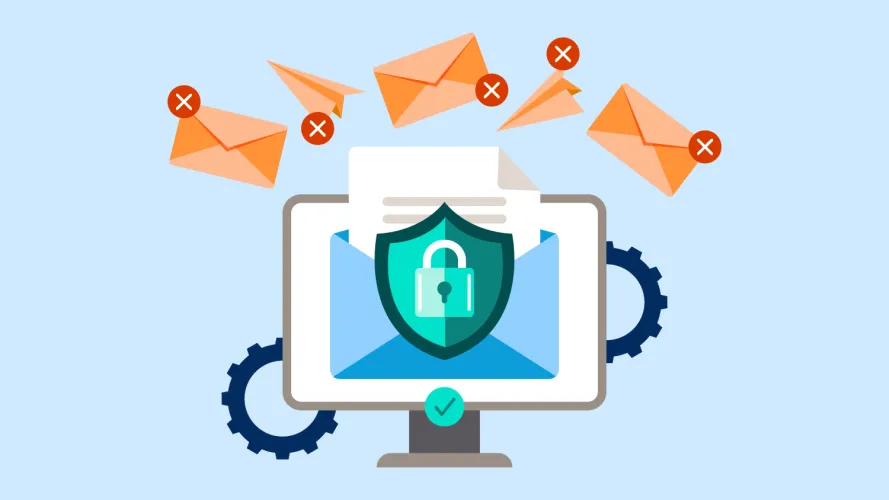
Email authentication is one of the most important foundations of email deliverability in 2026. It proves to mailbox providers that your emails are legitimately sent from your domain and have not been altered or spoofed during transmission. Without proper authentication, even well-written and relevant emails are far more likely to be filtered into spam or rejected entirely.
Today’s inbox providers treat unauthenticated or poorly authenticated emails as high-risk by default. With phishing, spoofing, and brand impersonation on the rise, authentication is no longer optional—it is a baseline requirement for inbox placement.
What Email Authentication Actually Does
Authentication allows receiving mail servers to verify two things:
-
Identity – The email really comes from the domain it claims to be sent from
-
Integrity – The message content has not been tampered with in transit
If either of these checks fails, mailbox providers downgrade trust, which directly harms deliverability.
Core Email Authentication Protocols
Modern email deliverability relies on three core authentication protocols working together:
SPF (Sender Policy Framework)
SPF defines which servers are allowed to send emails on behalf of your domain. When an email is received, the mailbox provider checks the sending IP address against the SPF record published in your domain’s DNS.
-
If the IP is authorized → SPF passes
-
If the IP is not authorized → SPF fails
SPF failures are a strong negative signal and can cause emails to be marked as spam or blocked, especially when combined with other issues like low engagement or poor reputation.
DKIM (DomainKeys Identified Mail)
DKIM adds a cryptographic signature to every outgoing email. This signature allows the receiving server to confirm that:
-
The message content hasn’t been modified
-
The email is genuinely associated with the sending domain
DKIM is especially important for maintaining trust at scale. Even small changes to an email during delivery can cause DKIM to fail, which signals potential tampering or spoofing.
DMARC (Domain-based Message Authentication, Reporting & Conformance)
DMARC ties SPF and DKIM together and tells mailbox providers what to do when authentication fails. It also enables reporting so domain owners can monitor misuse.
DMARC allows you to define policies such as:
-
Monitor only (no enforcement)
-
Quarantine failing emails
-
Reject failing emails entirely
In 2026, mailbox providers increasingly expect DMARC to be present and properly aligned. Domains without DMARC—or with weak policies—are more vulnerable to spoofing and more likely to experience inbox placement issues.
Why Authentication Directly Impacts Inbox Placement
Authentication is not just about security—it directly influences how mailbox providers evaluate trust:
-
Authenticated emails are easier to associate with a consistent sender identity
-
Authentication supports stronger domain reputation over time
-
Proper alignment reduces false spam filtering
-
Authentication protects your domain from being abused by spammers
Even strong engagement and clean lists cannot fully compensate for missing or misconfigured authentication. Inbox providers need technical proof before they even consider engagement signals.
Authentication and Brand Protection
Beyond deliverability, authentication protects your brand’s credibility. When attackers spoof your domain, mailbox providers may penalize your reputation—even if you weren’t responsible. Strong authentication, especially DMARC enforcement, prevents this abuse and safeguards long-term deliverability.
Authentication is the gatekeeper. Without it, your emails start at a disadvantage before content, reputation, or engagement are even evaluated.
How Infrastructure Impacts Email Deliverability
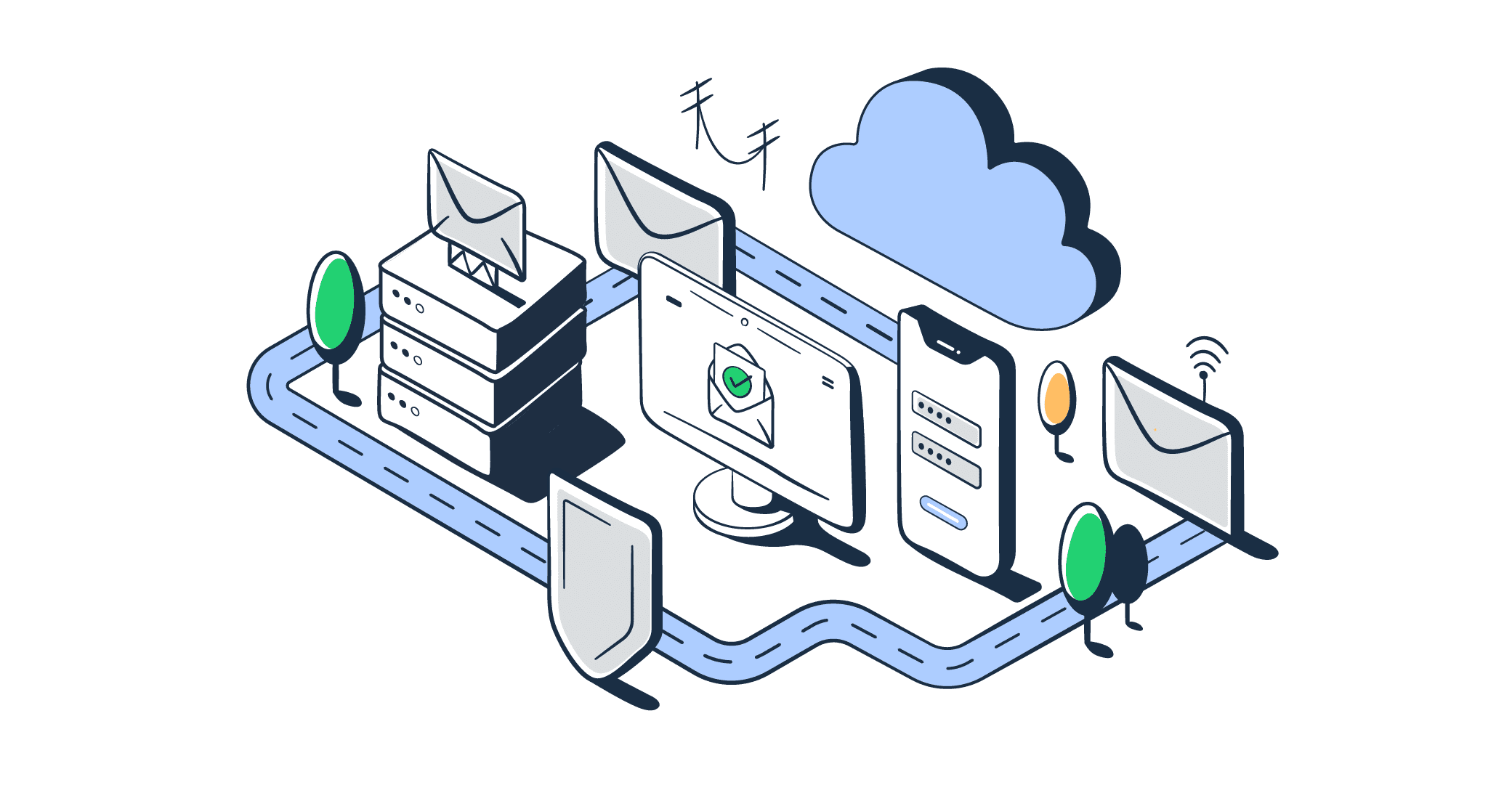
Email infrastructure refers to the technical environment used to send and route your emails, including IP addresses, servers, domains, and sending architecture. In 2026, infrastructure quality plays a decisive role in whether mailbox providers view your sending behavior as stable and trustworthy—or risky and unpredictable.
Even perfectly authenticated emails can struggle to reach the inbox if the underlying infrastructure is poorly configured or mismanaged.
IP Address Reputation: Shared vs. Dedicated
One of the biggest infrastructure factors is your sending IP address.
-
Shared IPs are used by multiple senders. Your deliverability depends not only on your own behavior but also on the behavior of others sharing the IP.
-
Dedicated IPs are used exclusively by one sender, giving you full control over reputation—but also full responsibility.
Dedicated IPs are ideal for high-volume senders, but they require careful management. Without proper warm-up and consistent sending, reputation can decline quickly.
IP Warm-Up and Sending Consistency
When using a new IP or domain, mailbox providers treat it with caution. IP warm-up is the process of gradually increasing email volume to establish a positive sending history.
Key infrastructure best practices include:
-
Starting with low volumes
-
Sending first to your most engaged subscribers
-
Increasing volume gradually over time
-
Maintaining consistent daily or weekly patterns
Sudden spikes or erratic sending behavior are strong warning signals that can trigger filtering or throttling.
Domain Infrastructure and Alignment
Your sending domain is just as important as your IP. Mailbox providers evaluate:
-
Domain age and history
-
Consistency of sending domains
-
Alignment between visible “From” domain and authenticated domains
Frequent domain changes or mismatches between domains used for authentication and branding weaken trust and slow reputation building.
Sending Servers and Throttling Behavior
Mailbox providers closely monitor how your servers behave during delivery attempts. Poor infrastructure can cause:
-
Excessive retries
-
Connection errors
-
Slow response times
-
Improper handling of deferrals
Professional sending infrastructure is designed to respect provider limits, adjust sending speed automatically, and handle temporary failures gracefully. Ignoring throttling signals often results in blocks or reputation damage.
Segmentation by Email Type
Infrastructure is also affected by how you separate different types of emails:
-
Transactional emails
-
Marketing campaigns
-
Bulk newsletters
Sending all email types from the same IP or domain can dilute reputation. Many high-performing senders isolate critical transactional messages from promotional traffic to protect inbox placement.
Infrastructure as a Long-Term Trust Signal
Mailbox providers favor senders with:
-
Stable infrastructure
-
Predictable sending patterns
-
Clean, well-maintained IPs and domains
-
Proper authentication alignment
Deliverability issues caused by infrastructure rarely appear overnight—they build gradually. Likewise, improvements take time. Treating infrastructure as a strategic asset, not just a technical setup, is essential for sustainable inbox placement.
How Content Affects Email Deliverability

Email content plays a critical role in how mailbox providers evaluate and filter messages in 2026. While authentication and infrastructure establish trust, content helps determine intent and relevance. Inbox providers analyze what you send, how it’s structured, and how recipients react to it. Poorly optimized content can trigger spam filters—even when everything else is technically correct.
How Mailbox Providers Analyze Email Content
Modern spam filtering systems use advanced algorithms and machine learning models to scan email content in real time. These systems look for patterns commonly associated with low-quality, deceptive, or unwanted emails. Content is evaluated both before delivery (filtering stage) and after delivery (engagement-based feedback loops).
Key areas of content analysis include wording, formatting, structure, links, images, and overall message consistency.
Language and Spam Triggers
Certain words, phrases, and writing patterns still raise red flags—especially when overused or combined with other risk factors. These include:
-
Overly promotional language
-
Excessive urgency or pressure-driven wording
-
Sensational or misleading subject lines
-
Repetitive use of sales-heavy phrases
However, in 2026, context matters more than individual keywords. A single “promotional” word won’t cause spam placement, but patterns of aggressive or misleading language can signal low-quality intent to filters.
Subject Line and Preview Text Alignment
Mailbox providers increasingly analyze whether your subject line accurately reflects the content of the email. Misleading subject lines may increase opens initially, but they also:
-
Drive low engagement after opening
-
Increase spam complaints
-
Damage long-term sender reputation
Clear, honest subject lines that match the email’s actual value help reinforce trust and improve engagement signals.
HTML Structure and Code Quality
Poorly coded emails can negatively affect deliverability. Common content-related technical issues include:
-
Broken or unbalanced HTML tags
-
Overuse of nested tables
-
Hidden text or invisible links
-
Excessive font sizes or color manipulation
Clean, well-structured HTML ensures mailbox providers can properly scan and render your email, reducing suspicion and improving inbox placement.
Text-to-Image Balance
Emails that rely too heavily on images—especially with little or no text—are more likely to be flagged. Spam filters struggle to interpret image-only messages, which creates uncertainty about intent.
Best practices include:
-
Maintaining a healthy balance between text and images
-
Including descriptive alt text
-
Avoiding large image-only hero sections without supporting copy
Balanced content improves accessibility and signals legitimacy.
Links, URLs, and Tracking
Every link in your email is evaluated. Filters check:
-
The reputation of linked domains
-
URL shorteners or redirects
-
Consistency between visible links and destination URLs
Linking to low-reputation domains or using excessive tracking parameters can harm deliverability. Using trusted, consistent domains reinforces credibility.
Personalization and Relevance
Content relevance directly impacts engagement—and engagement feeds deliverability. Emails that feel generic or irrelevant often result in:
-
Ignored messages
-
Low opens and clicks
-
Higher unsubscribe rates
Personalized, targeted content encourages positive interaction, signaling to mailbox providers that recipients value your messages.
Content Consistency Over Time
Mailbox providers also look for content consistency. Sudden changes in tone, formatting, or email purpose can raise suspicion. Gradual evolution is normal, but drastic shifts may resemble compromised or spoofed behavior.
Ultimately, strong content supports deliverability by aligning intent, relevance, and user value—reducing the likelihood of spam filtering while improving engagement metrics.
Other Factors Affecting Email Deliverability
Beyond reputation, authentication, infrastructure, and content, several additional factors influence whether your emails reach the inbox in 2026. These elements often work behind the scenes but can have a significant cumulative impact on deliverability outcomes.
List Quality and Hygiene
One of the strongest deliverability signals is who you send emails to. Poor list quality can undo even the best technical setup.
Key risks include:
-
Invalid or inactive email addresses
-
Spam traps
-
Purchased or scraped lists
-
Long-term unengaged subscribers
Regular list cleaning, confirmation practices, and engagement-based segmentation help maintain a healthy sending environment and protect sender reputation.
Recipient Engagement Signals
Mailbox providers closely monitor how recipients interact with your emails after delivery. Engagement signals include:
-
Opens
-
Clicks
-
Replies
-
Forwards
-
Deletions without reading
-
Spam complaints
Positive engagement improves inbox placement over time, while negative or absent engagement pushes future emails toward spam or promotional tabs.
Sending Frequency and Volume
Inconsistent or excessive sending can trigger filtering. Common issues include:
-
Sudden spikes in email volume
-
Sending too frequently to disengaged users
-
Long gaps followed by aggressive campaigns
Consistent, predictable sending patterns help mailbox providers understand your behavior and assess risk more accurately.
Complaint Rates and Feedback Loops
Spam complaints are among the most damaging deliverability signals. Even small increases in complaint rates can lead to throttling or blocking.
Using unsubscribe links that are easy to find and honoring opt-outs promptly reduces the likelihood that recipients mark emails as spam.
Compliance and Permission Practices
Deliverability is closely tied to permission-based marketing. Emails sent without clear consent often generate low engagement and higher complaints.
Clear opt-in processes, transparent messaging, and honoring user preferences all contribute to long-term inbox trust.
Blacklists and Filtering Databases
Some mailbox providers and organizations rely on external filtering databases and blocklists. If your IP or domain is flagged due to suspicious activity, deliverability can suffer across multiple providers.
Monitoring sending behavior and responding quickly to issues helps prevent long-term damage.
Ongoing Monitoring and Testing
Deliverability is not static. Inbox algorithms evolve constantly, and sender performance can change over time. Regular monitoring of:
-
Bounce rates
-
Complaint rates
-
Engagement trends
-
Authentication reports
allows you to detect problems early and adjust before inbox placement declines.
Final Thought
Email deliverability in 2026 is no longer a single technical checkbox—it’s a holistic, ongoing strategy. Inbox placement is determined by how well all deliverability pillars work together: authentication, infrastructure, reputation, content quality, engagement, and list hygiene. Weakness in any one area can quietly undermine the rest.
Mailbox providers are more sophisticated than ever. They evaluate sender behavior over time, reward consistency, and penalize shortcuts. This means sustainable deliverability is built through trust, relevance, and responsibility, not quick fixes. Brands that focus on permission-based sending, value-driven content, stable infrastructure, and continuous monitoring are the ones that consistently avoid the spam folder.
The key takeaway is simple: treat email deliverability as a long-term investment. When you prioritize subscriber experience and technical best practices together, inbox placement becomes a predictable outcome—not a gamble.
FAQs
What is the difference between email delivery and email deliverability?
Email delivery only confirms that an email was accepted by the recipient’s mail server. Email deliverability goes further—it measures whether that email actually lands in the inbox instead of spam or junk folders.
Why do my emails go to spam even with correct authentication?
Authentication is essential, but it’s only one factor. Poor sender reputation, low engagement, weak content quality, inconsistent sending patterns, or bad list hygiene can still push authenticated emails into spam.
How long does it take to improve email deliverability?
Deliverability improvements usually take time. Reputation and trust are built gradually through consistent sending, positive engagement, and clean lists. Depending on the issue, noticeable improvements can take weeks or even months.
Does email content still matter for deliverability in 2026?
Yes. While spam filters are more context-aware than keyword-based, content still plays a major role. Misleading subject lines, poor HTML structure, excessive images, low-quality links, and irrelevant messaging can all hurt inbox placement.
How does subscriber engagement affect deliverability?
Engagement is a strong signal of trust. Opens, clicks, replies, and forwards indicate value, while ignores, deletions, and spam complaints signal risk. Higher engagement improves future inbox placement.
Should I use a shared IP or a dedicated IP?
Shared IPs can work well for low to moderate senders, but your reputation is influenced by others. Dedicated IPs offer more control and are better for high-volume senders—but they require proper warm-up and consistent sending.
How often should I clean my email list?
Regularly. Removing invalid addresses, inactive subscribers, and unengaged contacts helps protect sender reputation. Ongoing list hygiene is far more effective than infrequent, large cleanups.
Is email deliverability a one-time setup?
No. Deliverability requires continuous monitoring and optimization. Inbox rules change, engagement shifts, and sender behavior evolves—ongoing attention is essential to maintain consistent inbox placement.
Read More: 15 Email Marketing Benefits For Businesses [2026]