Social media and email marketing are two of the strongest digital channels used by modern brands. Each works well on its own, but the real power comes when both are used together in a connected strategy.
Social media helps you reach large audiences quickly. Email helps you build direct and long-term relationships with those people. When combined, they support each other and create a stronger marketing system.
This approach is now widely used in 2026 digital marketing because customer behavior is spread across multiple platforms. People scroll social feeds during the day and check emails at different times. A smart strategy connects these touchpoints into one smooth journey.
By linking both channels, brands can increase visibility, improve engagement, and drive more conversions without increasing effort in a random way.
1. The strategic foundation: why synergy matters
A strong marketing strategy does not treat social media and email as separate tools. Instead, it connects them so each channel supports the other.
Social media is best for discovery. It brings new people into your brand world. Email is best for nurturing. It helps you guide those people toward action like buying, signing up, or returning to your website.
When both channels work together, the results become stronger:
- Social media brings attention and traffic
- Email builds trust and long-term communication
- Together, they improve conversion rates and customer loyalty
Another key benefit is control. Social media platforms depend on algorithms. Your reach can change anytime. Email is different because you own your subscriber list. This gives stability and reduces risk.
Modern marketing studies also show that customers who interact with a brand on multiple channels are more likely to engage and buy compared to single-channel users. This is why integrated marketing is now a standard practice in 2026.
Social media starts the conversation, and email continues it in a deeper and more personal way.
2. Build an owned audience using social channels
One of the smartest ways to combine both channels is to use social media to grow your email list. Social platforms help you reach new people, but email turns them into a long-term audience you fully control.
Use lead magnets to attract sign-ups
People do not give their email easily. You must offer value in return. This can be:
- Free guides
- Checklists
- Discount offers
- Webinars or training sessions
When you promote these offers on social media, users are more likely to join your email list.
Add email sign-up links everywhere
Your social media profile should always guide people toward your email list. You can place sign-up links in:
- Bio sections
- Pinned posts
- Story highlights
- Video descriptions
This makes it easy for interested users to subscribe at any time.
Run engagement campaigns that collect emails
Social contests and giveaways are very effective. For example, you can ask users to enter a giveaway by joining your email list. This increases engagement while also growing your owned audience.
Turn followers into long-term subscribers
Social media followers may not always see your posts due to algorithm changes. Email solves this problem by giving you direct access to their inbox. This shift from “followers” to “subscribers” is a key step in building a strong marketing foundation.
3. Retarget email subscribers with social ads
Retargeting is a powerful strategy that connects email marketing with paid social media ads. It helps you reach people who already know your brand.
How retargeting works
When someone joins your email list or clicks your email links, you can track their behavior using ad platforms. Then you can show them targeted ads on platforms like Facebook, Instagram, or LinkedIn.
This keeps your brand visible even after they leave your email.
Why retargeting improves results
Retargeting works because it focuses on warm audiences. These are people who already showed interest in your content or offer. As a result, they are more likely to take action compared to cold audiences.
Benefits include:
- Higher conversion rates
- Lower advertising costs compared to cold targeting
- Stronger brand recall
- Better return on ad spend
Use email data for smarter ads
You can upload email lists into ad platforms to create custom audiences. This allows you to:
- Show ads only to subscribers
- Exclude inactive users
- Re-engage people who stopped opening emails
- Promote special offers to existing contacts
This creates a full loop where email and social media continuously support each other.
Connect campaigns across both channels
For best results, your email content and social ads should promote the same message. For example, if you send a product launch email, you can also run social ads for that same launch. This repetition increases trust and helps users remember your offer.
4. Sync content calendars for narrative consistency
A strong integrated marketing strategy depends on one simple idea: every message should feel connected. When social media and email marketing share the same content calendar, your audience experiences a clear and consistent brand story instead of random updates.
A synced content calendar helps you plan topics, campaigns, and promotions across all channels in advance. This prevents confusion and makes your marketing more structured. Instead of creating separate plans for email and social media, both channels follow one unified schedule.
Why content calendar sync matters
When your content is not aligned, your audience may see mixed messages. For example, they might see a product teaser on social media but receive an unrelated email at the same time. This breaks trust and lowers engagement.
A synced calendar solves this by ensuring:
- The same campaign message appears across all channels
- Timing is coordinated for better impact
- Storytelling feels smooth and continuous
- Teams avoid duplicate or conflicting posts
In modern marketing workflows, brands use shared calendars to manage campaigns visually. This helps teams see what is being published, when it is going live, and how each channel supports the other. Social media scheduling tools and content planners make it easier to maintain this structure at scale.
Building a unified campaign narrative
Instead of posting random content, think in terms of campaigns. A campaign can last a week or a month and should include both email and social touchpoints.
For example:
- Social media creates awareness with short posts, reels, and stories
- Email provides deeper explanations, offers, or guides
- Both channels repeat the same core message in different formats
This approach helps customers remember your message because they see it multiple times in different places.
How to organize your calendar effectively
A well-structured content calendar usually includes:
- Campaign themes (product launch, seasonal sale, education series)
- Posting schedule for each platform
- Email send dates aligned with social posts
- Key performance goals for each campaign
Many marketing teams now use AI-supported or automated calendars that bring all campaigns into one dashboard, making coordination easier across teams and platforms.
The result of consistent storytelling
When your content calendar is properly synced, your brand voice becomes stronger. Your audience starts to recognize patterns in your messaging. Over time, this builds trust and improves engagement because people feel like they are following one clear story instead of scattered updates.
5. Essential tools for integrated marketing
To successfully combine social media and email marketing, you need the right tools. These tools help you plan content, design visuals, write better messages, and manage campaigns more efficiently. When used together, they create a smooth workflow between both channels.
Teno Mail
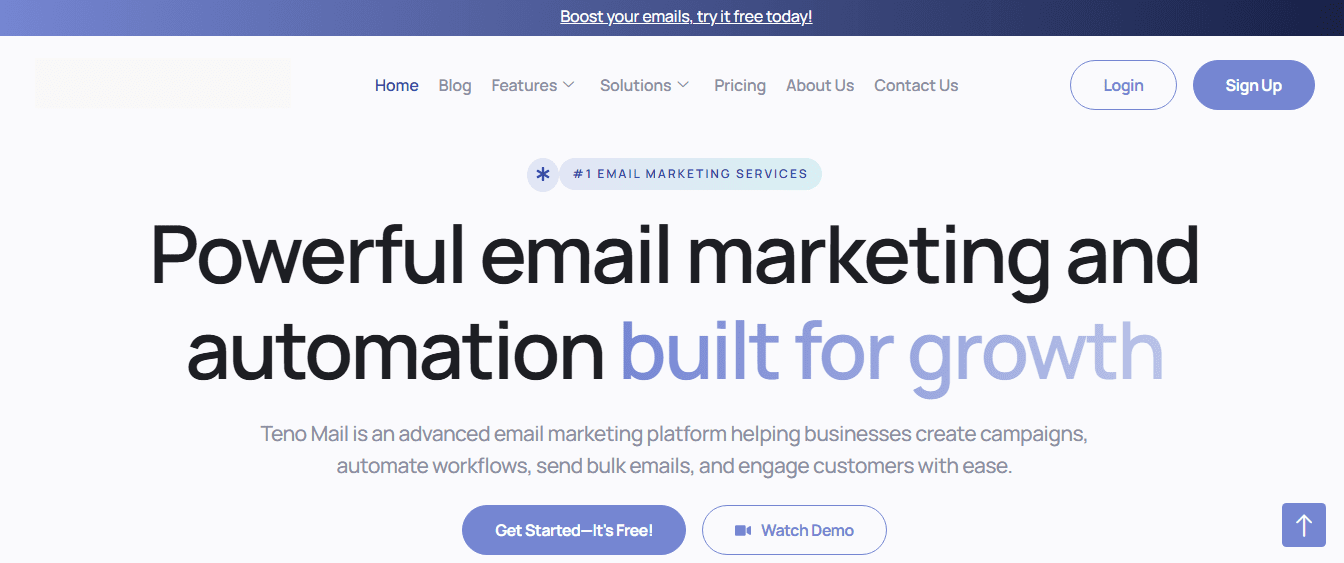
Teno Mail is an all-in-one email marketing and automation platform built for sending campaigns, managing subscribers, and improving customer engagement.
It helps marketers create and run email campaigns from a single dashboard. You can design emails, schedule campaigns, and track performance without needing advanced technical skills.
Key benefits include:
- Email campaign creation and management
- Automation workflows like welcome emails and follow-ups
- Newsletter building with reusable templates
- Bulk email sending for large audiences
- Audience segmentation for better targeting
- Real-time analytics and performance tracking
It also supports scalable communication, making it useful for both small businesses and growing marketing teams.
Social Champ
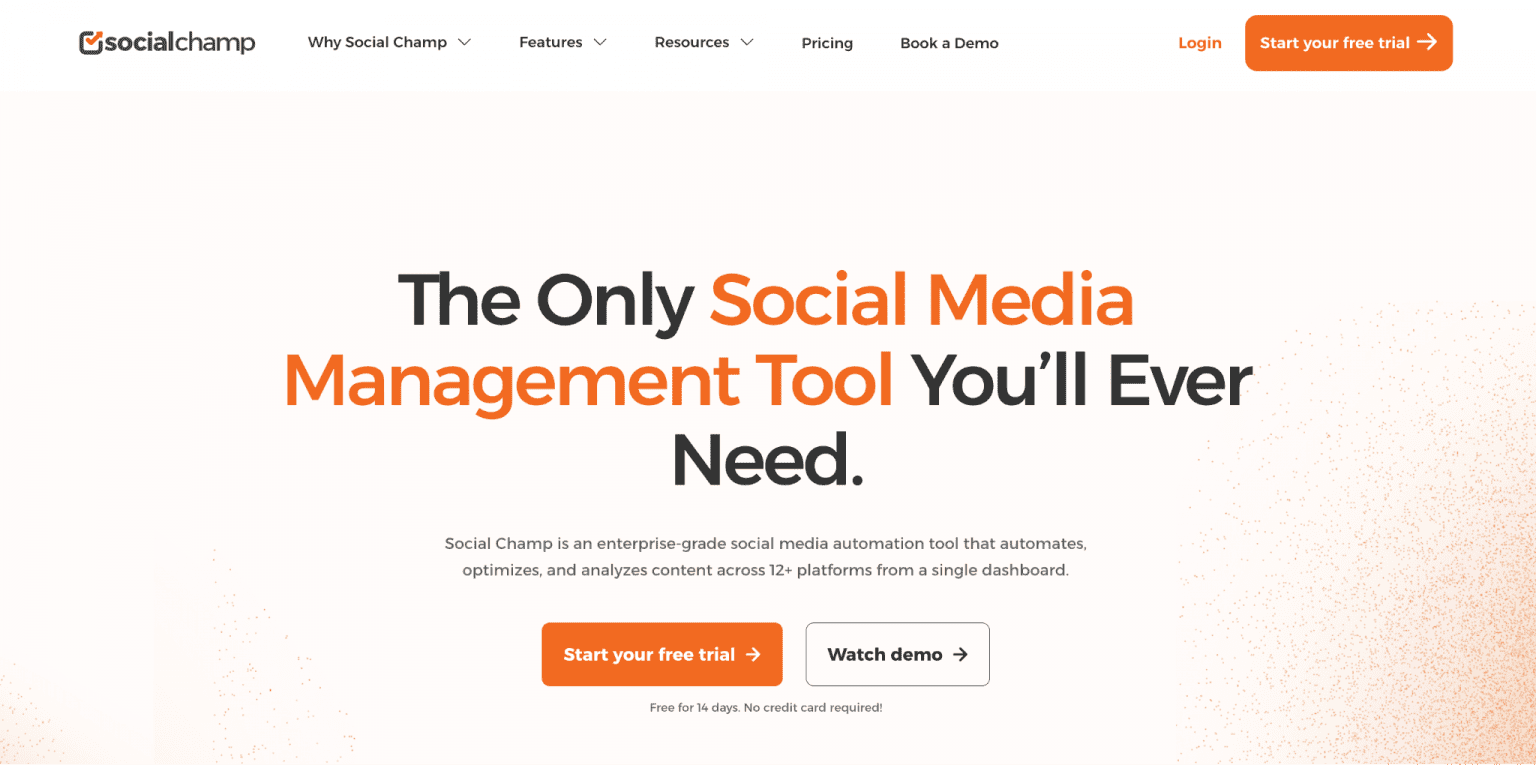
Social Champ is a social media management tool that helps schedule, publish, and analyze posts across multiple platforms.
It is mainly used for planning and automating social media content. Marketers can manage different social accounts from one place, schedule posts in advance, and maintain consistency across platforms. It also supports team collaboration and content approval workflows.
Key benefits include:
- Multi-platform post scheduling
- Content calendar management
- Post automation and recycling
- Analytics for engagement tracking
- Team collaboration features
This makes it easier to align social content with email campaigns and maintain a unified marketing message.
Clearscope
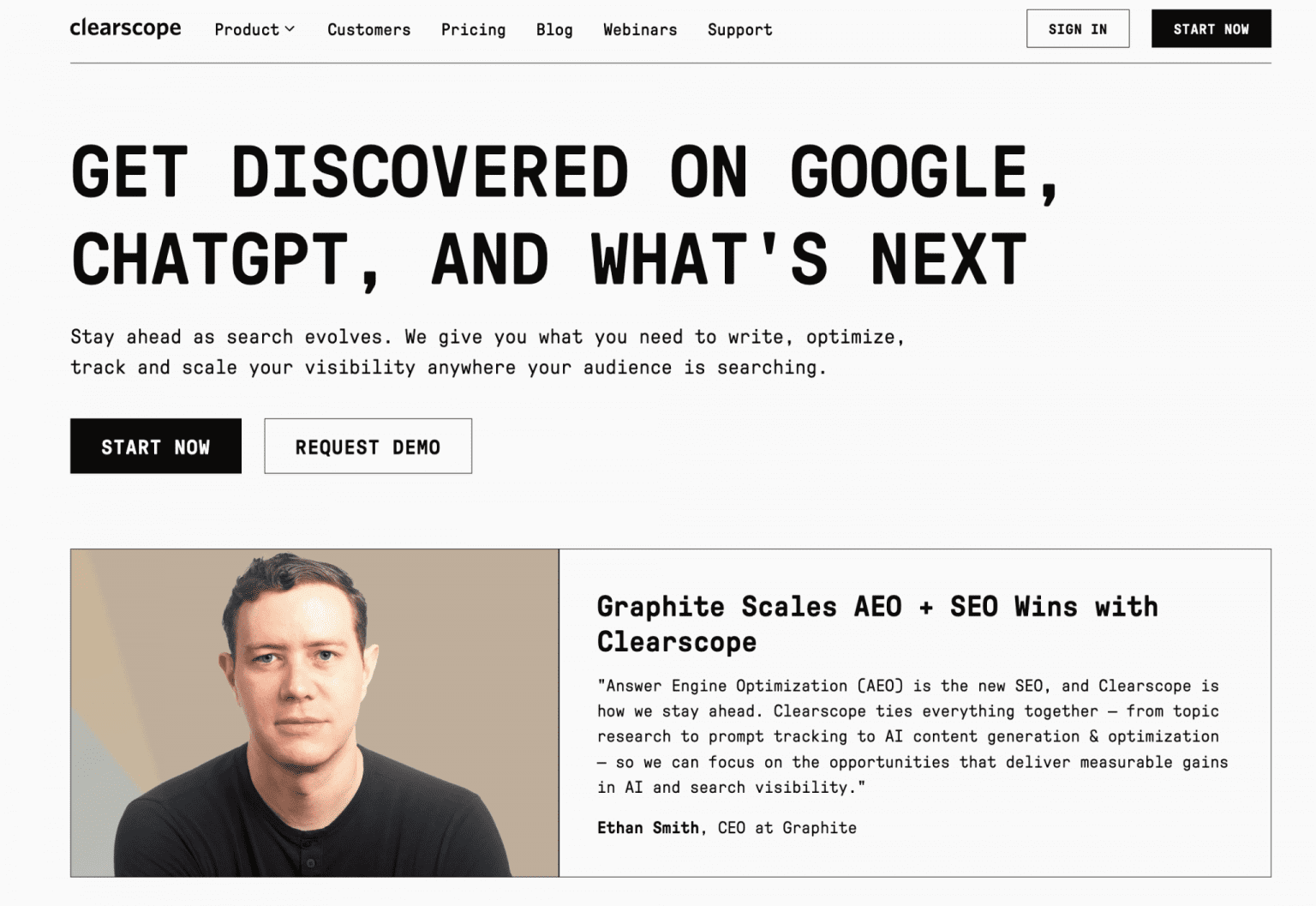
Clearscope is a content optimization tool that helps improve writing quality for search engines.
It analyzes keywords and suggests related terms to help marketers create high-performing content. While it is mainly used for SEO writing, it also supports integrated marketing by improving blog content that can be shared through both email and social media.
Key benefits include:
- Keyword research and optimization suggestions
- Content grading for SEO strength
- Topic relevance insights
- Competitor content analysis
- Writing improvement recommendations
This ensures your content performs well across search, email, and social channels.
Canva
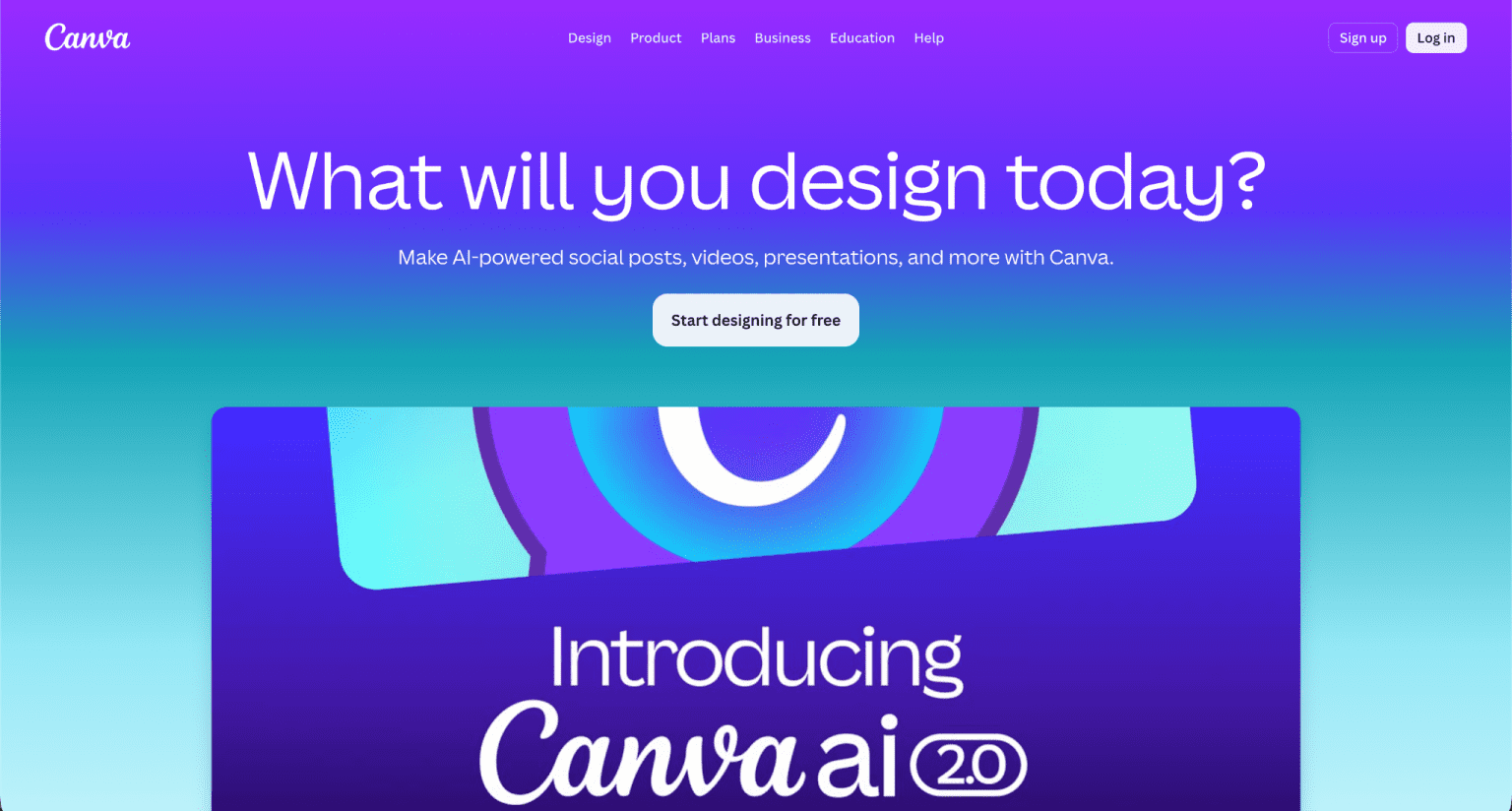
Canva is a visual design platform used to create graphics, social media posts, and email visuals.
It is widely used in integrated marketing because it helps maintain consistent branding across all platforms. You can design templates once and reuse them for both email campaigns and social media posts.
Key benefits include:
- Drag-and-drop design editor
- Ready-made templates for social and email
- Brand kit for consistent visuals
- Image, video, and animation tools
- Easy collaboration for teams
Canva ensures your visuals stay consistent, which is important when running campaigns across multiple channels.
6. Turn high-engagement social discussions into newsletters
One of the smartest ways to grow email marketing is by using content from social media. Your audience is already telling you what they care about through comments, likes, shares, and discussions. These interactions can become powerful email content.
Identify high-performing social topics
Start by tracking posts that get strong engagement. These may include:
- Questions from followers
- Viral posts or trending topics
- Educational tips that get shared often
- Customer feedback or discussions
These topics show what your audience actually wants to read.
Transform conversations into email content
Once you find engaging social posts, you can turn them into structured email newsletters. For example:
- A popular Instagram question becomes a detailed email guide
- A trending discussion becomes a weekly insight newsletter
- A comment thread becomes a “tips from the community” email
This makes your email content more relevant and engaging.
Why this strategy works
Social media shows interest, but it is often short and fast. Email allows you to expand those ideas into deeper explanations.
This approach helps you:
- Increase email open rates
- Build stronger audience trust
- Save time on content creation
- Keep content aligned across channels
Create a feedback loop between channels
When you turn social engagement into newsletters, you also create a loop:
- Social media generates ideas
- Email expands those ideas
- Email drives traffic back to social platforms
This cycle keeps your audience active on both channels and strengthens overall marketing performance.
7. Leverage user-generated content (UGC) in your emails

User-generated content (UGC) is any content created by your audience instead of your brand. It can include reviews, photos, videos, testimonials, and social media posts. In modern marketing, UGC is one of the most trusted content types because it feels real and honest.
When you bring UGC into email marketing, you turn customer experiences into powerful proof. This helps you build trust faster and increase engagement.
Why UGC works so well in email campaigns
People trust other people more than brands. When subscribers see real customers using your product or service, they feel more confident.
UGC in emails helps you:
- Build stronger credibility
- Increase email click-through rates
- Improve conversion rates
- Reduce hesitation before purchase
It also adds variety to your email content, making it feel more natural and less promotional.
Types of UGC you can use in emails
You can collect and use different types of content, such as:
- Customer reviews and ratings
- Social media posts mentioning your brand
- Unboxing photos or videos
- Testimonials from real users
- Before-and-after results
Each type adds a different level of trust and emotional connection.
How to collect UGC from social media
Social platforms are the best place to find UGC. You can:
- Track branded hashtags
- Monitor mentions and tags
- Encourage customers to share experiences
- Run campaigns asking for photo or video submissions
Once collected, you can request permission and feature the best content in your email campaigns.
Best way to use UGC in emails
To get the best results, place UGC where it feels natural in your email layout:
- Add customer photos in product showcase sections
- Use testimonials near call-to-action buttons
- Include social posts as “real user highlights”
- Feature weekly or monthly customer spotlights
This makes your emails feel more authentic and relatable.
8. Run social-first giveaways to expand your reach
Giveaways are one of the fastest ways to grow both social media engagement and email subscribers. A social-first giveaway means the campaign starts on social platforms and is then connected to email marketing for better results.
How social-first giveaways work
You launch a giveaway on platforms like Instagram, Facebook, or X (Twitter). Users enter by completing actions such as:
- Following your page
- Sharing a post
- Tagging friends
- Joining your email list
By combining social actions with email sign-ups, you build both reach and owned audience at the same time.
Why giveaways are powerful
Giveaways create excitement and urgency. People are more likely to participate because they see a chance to win something valuable.
Key benefits include:
- Rapid increase in brand visibility
- Fast growth of email subscribers
- Higher engagement on social posts
- More shares and word-of-mouth reach
This makes giveaways especially useful for product launches or seasonal campaigns.
How to connect giveaways with email marketing
To make giveaways more effective, connect them with your email system:
- Send confirmation emails after entry
- Share updates and reminders through email
- Announce winners via email newsletters
- Offer discounts to all participants after the campaign
This keeps participants engaged even after the giveaway ends.
Best practices for better results
To run a successful social-first giveaway:
- Choose a prize that matches your audience interest
- Keep entry rules simple
- Promote it across all social channels
- Use email reminders to increase participation
A well-planned giveaway not only boosts engagement but also strengthens long-term audience growth.
9. Maximize engagement with teaser emails
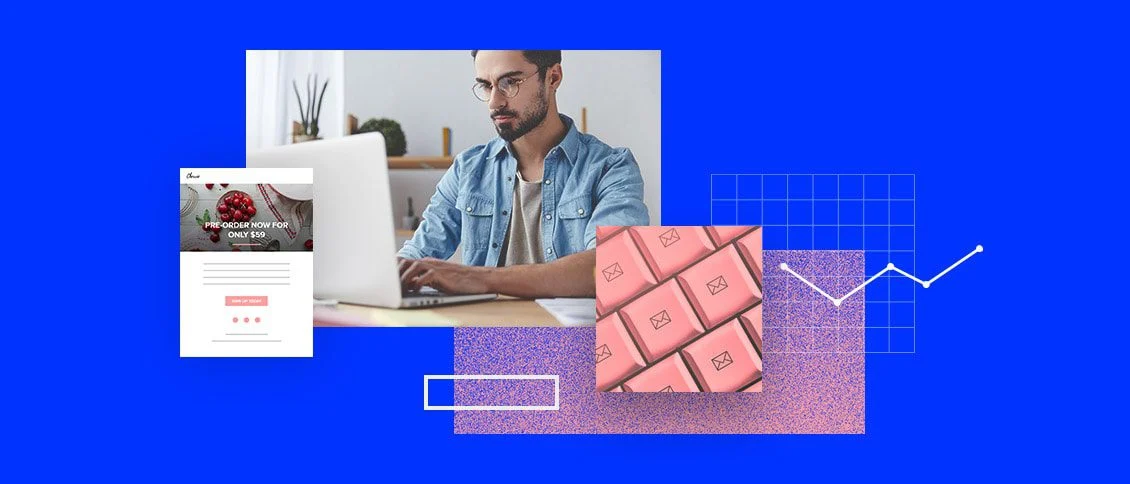
Teaser emails are short, curiosity-driven messages sent before a major announcement, product launch, or campaign. Their main goal is to create excitement and make people look forward to what is coming next.
When combined with social media, teaser emails become even more powerful because they build anticipation across multiple platforms.
Why teaser emails are effective
Teaser emails work because they trigger curiosity. Instead of giving full details, they share small hints that make readers want more information.
They help you:
- Increase email open rates
- Build anticipation before campaigns
- Drive traffic to social media updates
- Improve launch performance
How to use teasers with social media
Teaser emails should not work alone. They should match your social media content strategy.
For example:
- Email gives a hint about a new product
- Social media reveals behind-the-scenes content
- Email follows up with full details or offers
This creates a connected storytelling experience.
Types of teaser content
You can use different styles of teaser messages:
- Countdown emails before a launch
- Sneak peek images or videos
- “Something big is coming” announcements
- Partial feature reveals
Each type builds curiosity in a different way.
Best timing strategy
Timing is very important for teaser campaigns. A common approach includes:
- First teaser: 5–7 days before launch
- Second teaser: 2–3 days before launch
- Final reveal: launch day email and social post
This step-by-step approach keeps your audience engaged over time.
10. Optimize visuals across channels
Visual consistency is one of the most important parts of integrated marketing. When your social media posts and email designs look aligned, your brand becomes easier to recognize.
Why visual optimization matters
People remember visuals faster than text. If your designs look different across platforms, your brand identity becomes weak.
Consistent visuals help you:
- Build stronger brand recognition
- Improve click-through rates
- Create a professional brand image
- Increase audience trust
Keep branding consistent everywhere
To maintain consistency, focus on key visual elements:
- Colors and gradients
- Fonts and typography
- Logo placement
- Image style and tone
When these elements stay the same, your audience can instantly identify your brand.
Design for both mobile and desktop
Most users check emails and social media on mobile devices. This means your visuals must be:
- Clear and easy to read on small screens
- Lightweight for fast loading
- Structured for scrolling behavior
A design that works on both platforms ensures better engagement.
Repurpose visuals across channels
Instead of creating separate designs, you can reuse assets:
- Turn email banners into social media posts
- Convert social graphics into email headers
- Use video snippets across both platforms
This saves time and maintains consistency.
Use templates for efficiency
Templates help you keep a unified look while speeding up content creation. Once you design a template, you can reuse it for:
- Email newsletters
- Social media campaigns
- Promotional banners
- Ads and announcements
This makes your entire marketing system more efficient and visually aligned.
Read More: What are the best colours to use in email marketing?