The holiday season is one of the busiest times for email. Brands send more messages, shoppers expect more deals, and inboxes get crowded fast. Because of this surge, mailbox providers like Gmail, Outlook, and Yahoo tighten their filtering systems to protect users from spam, scams, and low-quality emails.
During this period, even normal marketing emails can face tougher checks. Messages that usually land in the inbox may suddenly go to promotions or spam folders. This does not always mean something is wrong with your email. It often means the environment has changed.
Inbox filters focus more on trust during the holidays. They look at sender history, engagement, and sending behavior. If your email program shows weak signals, your messages may struggle to reach the inbox. That is why many brands see lower deliverability in Q4, even when their content stays the same.
Understanding this shift is important. It helps you prepare your email strategy before the holiday rush begins instead of reacting after your campaigns start underperforming.
Inbox Overload
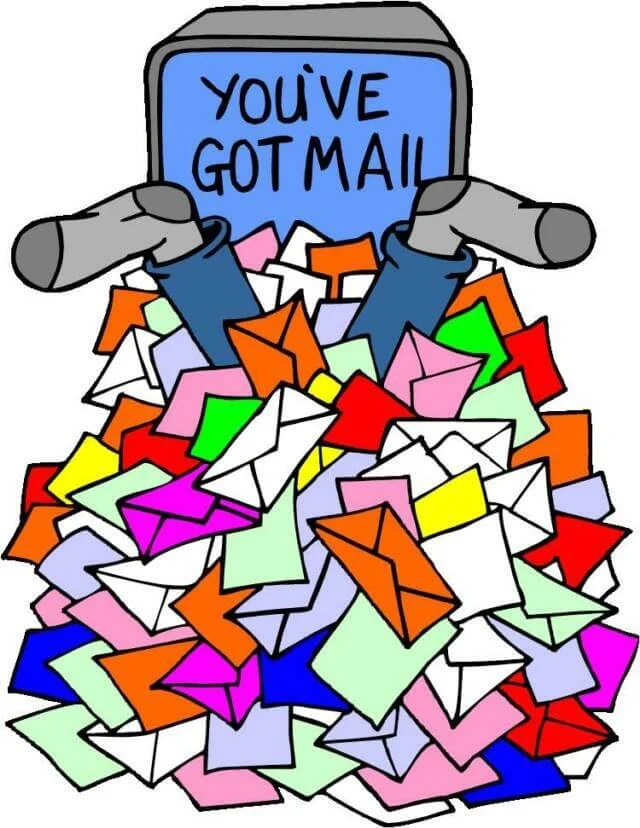
The biggest reason inbox filters get stricter is simple: too many emails arrive at once.
From October through December, email volume increases sharply. Many users receive hundreds of messages every day. Retailers push Black Friday deals, Cyber Monday offers, shipping updates, and end-of-year promotions all at the same time. This creates a heavy traffic spike across all inboxes.
When inboxes become overloaded, mailbox providers respond by tightening control. Their goal is to keep the user experience clean and safe. So, they start filtering more aggressively to reduce clutter and block risky content before it reaches the inbox.
During this time, even legitimate senders are affected. A sudden increase in total email traffic makes it harder for providers to judge quality quickly. As a result, they rely more on automated filtering systems and reputation signals instead of treating each email individually.
Another challenge is competition. Millions of brands are trying to reach the same users at the same time. This increases pressure on filtering systems to decide what deserves visibility and what should be hidden or delayed.
Inbox overload forces mailbox providers to be more selective. And when they become more selective, only the most trusted and engaging senders consistently stay in the inbox.
New Senders and Scammers
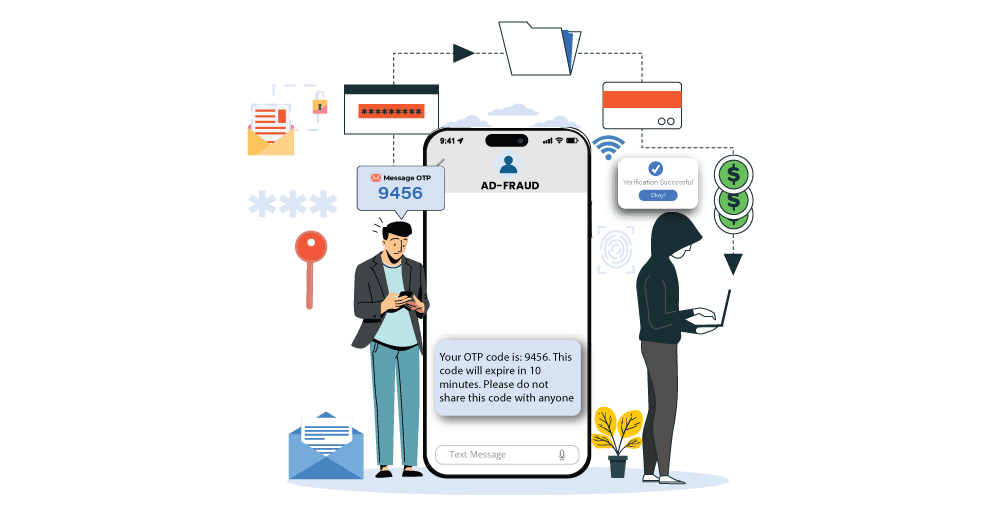
The holiday season brings a sharp rise in new email activity. Many real businesses start sending campaigns for the first time. At the same time, scammers also increase their attacks. They take advantage of high shopping traffic and busy inboxes. Because of this mix, mailbox providers become more strict. They try to separate trusted senders from risky ones as early as possible.
Modern inbox systems no longer rely on simple rules. They use advanced checks that study identity, behavior, links, and content patterns. Even small signals can change how an email is treated during the holidays.
Stricter authentication enforcement
Authentication is the first trust test for any email. It confirms that the sender is real and not a fake identity.
Mailbox providers now apply stronger enforcement of SPF, DKIM, and DMARC checks. These systems verify if an email truly comes from the domain it claims to represent. If something does not align, the message is quickly downgraded or blocked.
During the holidays, this enforcement becomes even tighter. Why? Because scammers often create fake domains that look like trusted brands. Filters respond by raising the trust bar for everyone. Even small setup issues, like missing alignment or weak policies, can hurt deliverability.
Behavioral pattern analysis
Inbox filters also study how a sender behaves over time. This is called behavioral analysis.
They look at:
- Sending frequency
- Sudden spikes in email volume
- Changes in audience size
- Past engagement trends
If a sender suddenly increases activity without a clear history, it can look suspicious. For example, a brand that normally sends one email per week but suddenly sends daily holiday promotions may trigger alerts.
Scammers often use this same pattern. They create new accounts and send large volumes quickly before getting blocked. Because of this overlap, mailbox providers treat unusual behavior as a risk signal.
Consistency matters. Stable sending habits build trust, especially during high-risk holiday periods.
Link and domain reputation checks
Links inside emails are one of the most heavily scanned elements.
Mailbox providers check:
- Domain age and history
- Whether the link appears in spam reports
- Redirect chains or hidden destinations
- Use of suspicious tracking patterns
If a link leads to a domain with poor reputation, the entire email can lose trust. Even one unsafe or unknown link can reduce inbox placement.
During the holidays, scammers often use fake shopping pages or cloned brand websites. To stop this, filters increase scrutiny on every URL. They also compare link behavior across thousands of emails to detect suspicious patterns.
A clean, trusted domain helps your emails pass these checks more easily.
Content similarity detection
Holiday spam filters also compare email content across the web.
They look for:
- Repeated templates used by scammers
- Copy-paste promotional messages
- Similar layouts across multiple senders
- Overused spam-like phrases
Advanced systems use pattern matching to detect when many emails look nearly identical. This is common in phishing campaigns that reuse the same structure across different domains.
Even legitimate marketers can be affected if they rely on overly generic templates. If your message looks too similar to known spam patterns, it may be filtered more aggressively.
To stay safe, unique content and natural messaging matter more than ever during the holiday rush.
The Science of How MBPs Decide What Reaches the Inbox

Mailbox providers (MBPs) like Gmail, Outlook, and Yahoo use advanced filtering systems to decide where each email should go. This is not a simple rule-based system anymore. It is a dynamic, machine-learning process that updates constantly based on user behavior and sender history.
Every email is scored in real time. The system looks at many signals at once before making a decision. These include sender reputation, authentication results, sending patterns, content structure, and most importantly, user engagement. No single factor decides the outcome. It is always a combination of signals working together.
Modern MBPs also treat inbox placement as a personal experience. Two people can receive the same email, but it may land in different folders depending on how each person interacts with that sender. This makes deliverability highly individualized and more sensitive during busy periods like the holidays.
Another key point is timing. During high-volume seasons, filtering systems become stricter because spam and phishing attempts also increase. MBPs respond by raising the trust threshold. This means even small weaknesses in reputation or engagement can affect inbox placement more than usual.
Inbox placement is driven by a continuous evaluation process. MBPs are not just asking “Is this email safe?” They are also asking “Is this email wanted?”
Engagement Signals
Engagement signals are one of the strongest factors in modern email filtering. They tell mailbox providers how real users respond to your emails. This helps MBPs understand whether your messages are useful or unwanted.
These signals are grouped into positive and negative actions. Both directly influence your sender reputation and future inbox placement.
Positive signals
Positive engagement shows that subscribers value your emails. These actions increase trust and improve inbox placement over time.
Common positive signals include:
- Opens: A basic sign that the email was delivered and seen
- Clicks: Strong proof that the content is relevant and interesting
- Replies: One of the strongest trust signals, showing real conversation
- Forwards: Indicates that the content is valuable enough to share with others
When users consistently interact with your emails, MBPs interpret it as a strong relationship between sender and recipient. This increases the chance of future emails landing in the inbox instead of spam or promotions folders.
High engagement also helps stabilize deliverability during the holiday season when filtering systems become stricter due to increased email volume.
Negative signals
Negative engagement signals tell mailbox providers that users are not interested or may even feel annoyed by the emails. These actions reduce trust and can quickly hurt inbox placement.
Common negative signals include:
- Deletions without reading: Suggests the email is not relevant or unwanted
- Spam complaints: One of the strongest negative signals that can damage reputation quickly
- Marking as junk or spam: Direct feedback that the email should be filtered out in the future
Even small amounts of negative engagement can have a strong impact, especially if they come from active or high-value users. During holiday campaigns, this risk increases because inboxes are more crowded and users are quicker to delete or report messages they did not expect.
Mailbox providers track these behaviors over time. If negative actions increase, future emails are more likely to be filtered away from the inbox.
Together, positive and negative engagement signals act like a feedback system. They help MBPs continuously adjust where your emails land, making user behavior the most important factor in long-term deliverability success.
Even “Good” Emails Can Get Caught in the Crossfire

During the holiday season, even well-run email campaigns can run into deliverability problems. This happens because mailbox providers do not only judge emails based on quality or intent. They also look at the overall environment, which becomes more aggressive when email volume rises sharply.
In Q4, inboxes are flooded with promotional messages, shipping updates, and last-minute offers. At the same time, phishing and scam attempts also increase. Because of this, email providers raise their filtering standards for everyone. Even trusted senders may face stricter checks if anything in their signals looks slightly off.
A strong email program can still get filtered if it shows small weaknesses like:
- Sudden changes in sending volume
- Lower engagement compared to previous months
- Slight drops in authentication alignment
- Higher unsubscribe or delete rates
These signals do not always mean something is wrong. But during the holidays, filters become less forgiving. Systems prefer caution over risk, which means more emails are reviewed or filtered before reaching the inbox.
This is why many brands notice a drop in inbox placement even when their content and strategy stay the same. The issue is not always the email itself. It is often the crowded and high-risk environment it is sent into.
Mailbox providers now rely heavily on reputation systems and real-time behavior analysis. If your sending pattern or engagement trend looks unstable, your emails may be treated with extra caution. This “crossfire effect” is one of the biggest challenges of holiday email marketing.
What MBPs Reward This Holiday Season
Mailbox providers reward senders that show consistency, trust, and strong user engagement. During the holiday season, these signals become even more important because inbox competition is at its highest level.
To stay in the inbox, email programs need to meet a higher trust standard. Below are the key areas MBPs focus on when deciding which emails deserve priority placement.
Steady sending patterns: predictable cadence and consistent frequency
Consistency is one of the strongest trust signals. Mailbox providers prefer senders who follow a stable rhythm instead of sudden spikes in activity.
When sending patterns stay predictable, it shows that the sender is not behaving like a spammer. Sudden increases in volume, especially during holiday promotions, can trigger caution and filtering.
A steady cadence helps build long-term reputation. It also reduces the risk of throttling or inbox suppression during peak traffic periods.
Strong authentication: SPF, DKIM, and DMARC properly aligned
Authentication is the foundation of email trust. It confirms that the sender is legitimate and the message has not been altered.
Mailbox providers now expect full alignment of SPF, DKIM, and DMARC. Weak or incomplete setup reduces trust instantly. In many cases, unauthenticated or misaligned emails are blocked or sent to spam automatically.
During the holidays, enforcement becomes stricter because phishing attempts increase. Strong authentication helps prove identity and keeps your domain protected.
High engagement: subscribers opening, clicking, and interacting regularly
Engagement is one of the most important signals for inbox placement. Mailbox providers study how users interact with your emails over time.
High engagement shows that your content is useful and expected. Opens, clicks, replies, and forwards all help strengthen sender reputation.
Low engagement has the opposite effect. If users ignore your emails or delete them quickly, filters interpret this as lack of interest, which can lower inbox placement.
Relevant personalization: timely, valuable content that feels one-to-one
Personalization helps emails feel more useful and less like mass promotions. Mailbox providers reward messages that match user interests and behavior.
During the holidays, inboxes are crowded, so relevance matters even more. Generic content is easier to ignore or delete. Personalized messages create stronger engagement signals and improve trust over time.
This includes simple adjustments like:
- Using subscriber history
- Sending based on preferences
- Offering timely deals or updates
The goal is to make each email feel like it was sent for a specific person, not a large list.
Opt-out (and opt-down) options: clear and easy unsubscribe options
A clean unsubscribe process is also a trust signal. Mailbox providers expect users to have control over what they receive.
When users can easily opt out or reduce frequency, it reduces spam complaints. This helps protect sender reputation during high-volume seasons.
Clear unsubscribe options show that the sender respects user choice. This reduces negative signals and supports long-term inbox placement.
Balanced design: text and visuals that load smoothly across devices
Email design also affects deliverability. Overly heavy or broken emails can trigger filtering issues or reduce engagement.
Mailbox providers prefer emails that:
- Load quickly
- Display correctly on mobile and desktop
- Avoid broken layouts or excessive code
- Balance images with readable text
During the holidays, users check emails on many devices. A smooth, simple design improves engagement and reduces the chance of deletion or complaint.
Wrapping It Up: Deliverability Is About Trust
During the holiday season, stricter filters are not trying to block good senders. They are designed to protect users and prioritize emails that feel safe, relevant, and expected. When your emails are properly authenticated, sent at a steady pace, and aligned with subscriber interests, they have a much stronger chance of reaching the inbox throughout the busiest time of year.
With Teno Mail, you can stay ahead of these challenges using Campaign Score. This built-in feature helps you understand how your email campaigns are performing before and after you send them. It gives a clear, data-driven rating across four important areas:
- Engagement
- Deliverability
- List health
- Overall performance
Along with these insights, Campaign Score also provides simple, actionable recommendations. These suggestions help you improve your campaigns step by step, so you can make better decisions with every send and strengthen your results over time.
Before launching your next holiday campaign, take a moment to review your deliverability health. Small adjustments can make a big difference in inbox placement during high-volume seasons. The goal is simple—keep your emails relevant, measurable, and consistently landing where they matter most: the inbox.
If you are new to Teno Mail, now is a great time to get started. If you already use it, log in to check your campaign performance and fine-tune your holiday email strategy.
FAQs About Email Naughty List
What is the “email naughty list” in email marketing?
It is a simple way to describe sender risk evaluation used by mailbox providers like Gmail, Outlook, and Yahoo. If your emails show poor engagement, weak authentication, or spam-like behavior, your domain may be treated as a lower-trust sender. This can reduce inbox placement and increase spam filtering, especially during peak holiday sending periods.
Why do inbox filters get stricter during the holidays?
During the holiday season, email volume increases sharply as brands send promotions, reminders, and updates. At the same time, scammers also increase activity. To protect users, mailbox providers tighten filtering rules and use stricter reputation checks. This includes closer monitoring of sudden volume spikes, sender history, and message patterns.
Can legitimate emails still go to spam?
Yes. Even well-structured campaigns can be filtered if the sender’s reputation is weak or if engagement drops. During peak seasons, filters often prioritize user protection over accuracy. This means some legitimate emails may be placed in promotions or spam folders to reduce risk from unwanted or harmful messages.
What causes emails to be flagged more often in Q4?
Common triggers include sudden increases in sending volume, sending to inactive subscribers, weak engagement, or inconsistent sending patterns. Poor list hygiene and aggressive marketing language can also increase risk. Authentication issues like misconfigured SPF, DKIM, or DMARC further raise suspicion.
How long do stricter holiday filters stay active?
Stricter filtering usually begins in late October or November and can continue through the end of December into early January. Once inbox traffic normalizes, filtering systems gradually return to baseline sensitivity levels.
What is the best way to avoid deliverability problems?
The safest approach is consistency. Maintain steady sending patterns, focus on engaged subscribers, keep lists clean, and ensure full authentication setup. Monitoring engagement signals and adjusting campaigns based on performance also helps maintain strong inbox placement throughout the season.
Read More: Salesforce Email Integration: A Comprehensive Guide