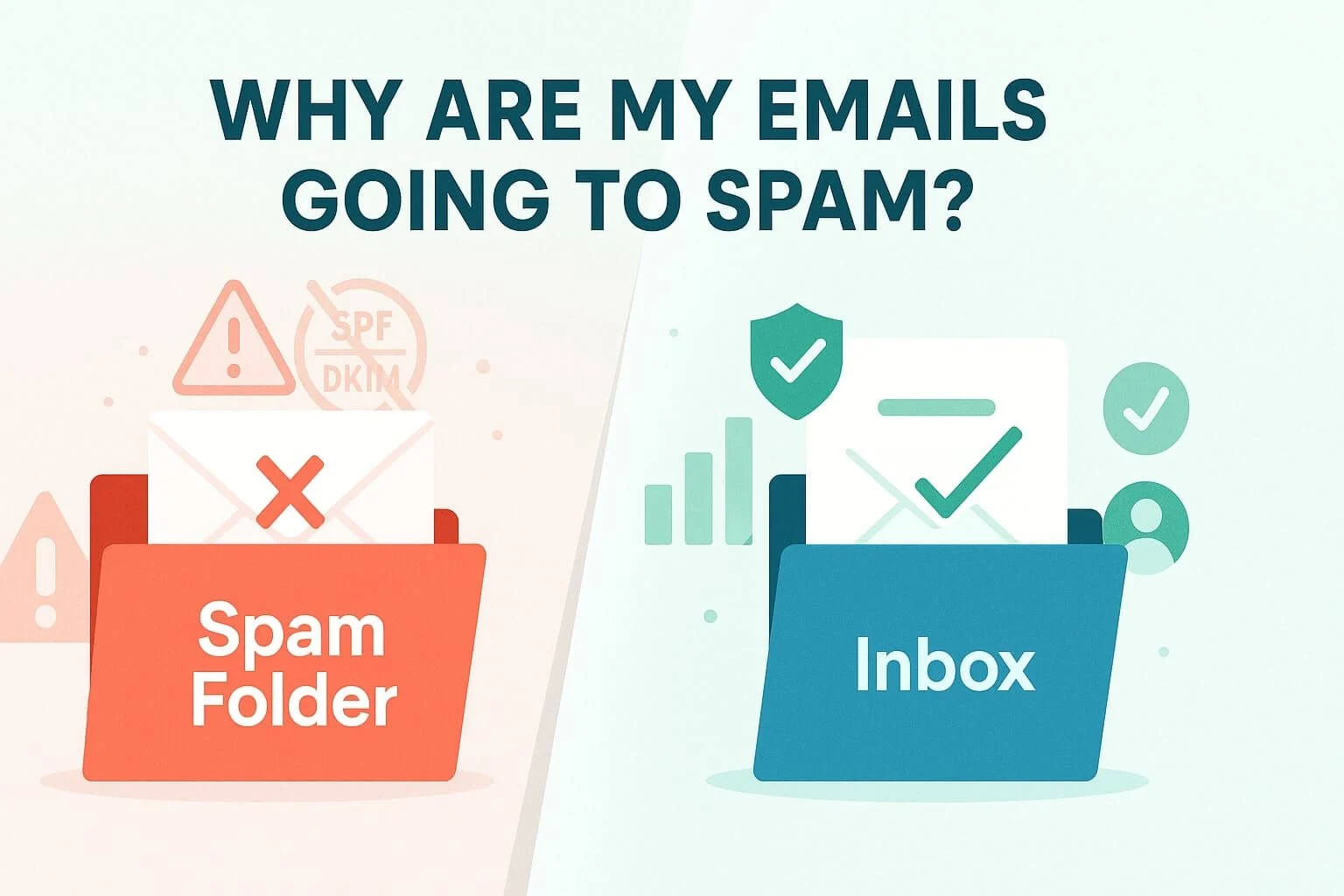
Email marketing is still one of the best ways to reach people. But there is one big problem. Many emails never reach the inbox. Instead, they land in the spam folder.
This can hurt your results. Your open rate drops. Clicks become low. Sales also go down. In fact, a large number of real emails never reach the inbox because spam filters block them.
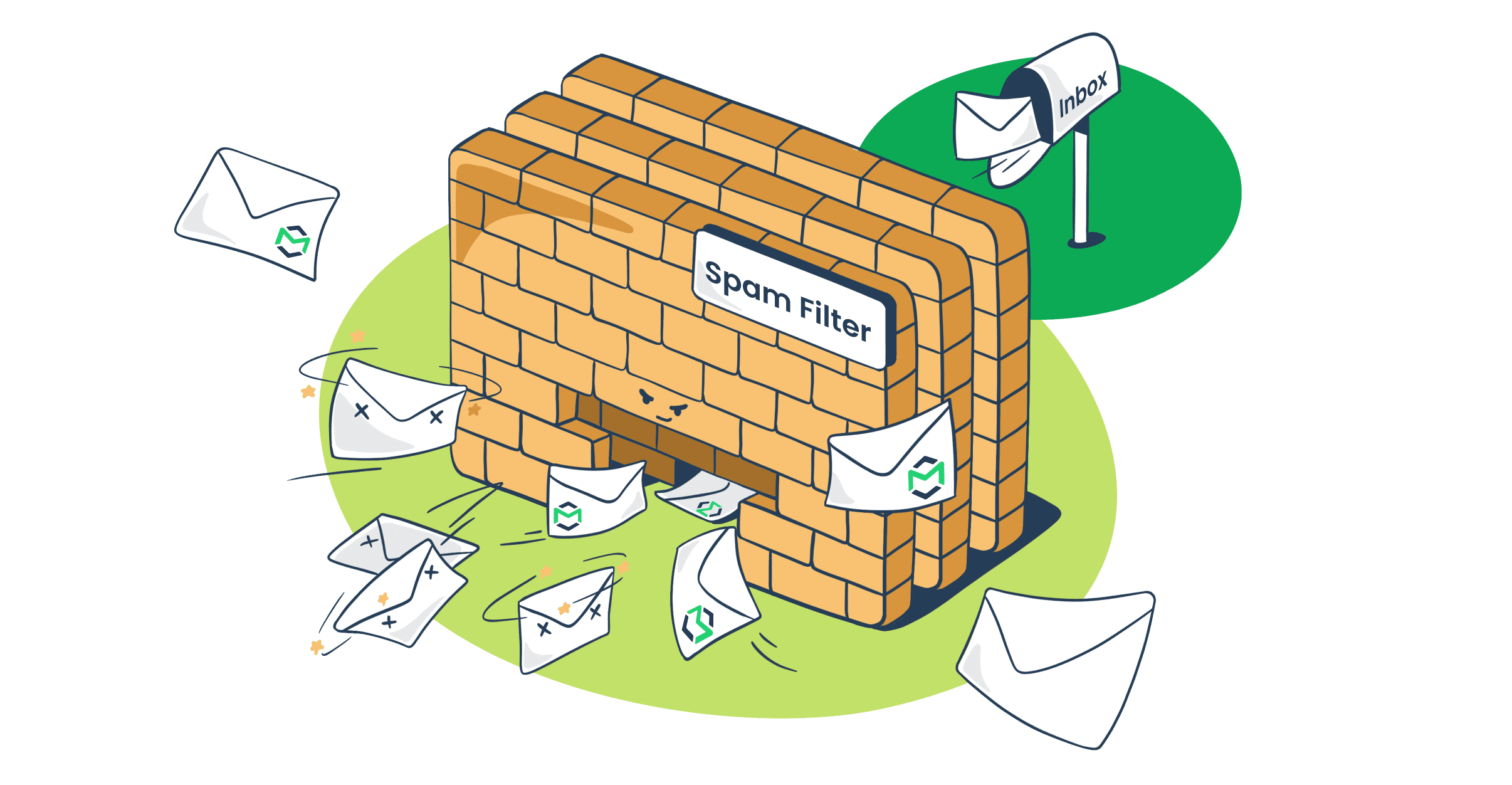
Spam filters are smart. They check many things before allowing an email into the inbox. They look at your email content, your domain, and even how people react to your emails.
Even small mistakes can trigger these filters. A missing setting, a bad word choice, or a suspicious link can push your email into spam.
The good news is simple. These problems can be fixed. Once you understand the reasons, you can improve your email delivery step by step.
Let’s start with the most common causes and how to solve them.
You lack proper authentication
Email authentication is like an identity card for your emails. It tells email providers that your message is real and safe.
If you do not set up authentication, your emails look suspicious. Mail servers cannot verify who you are. Because of this, your emails may go straight to spam or get blocked.
The three main authentication methods are:
- SPF (Sender Policy Framework)
- DKIM (DomainKeys Identified Mail)
- DMARC (Domain-based Message Authentication)
These systems work together. They confirm that your email comes from a trusted source and has not been changed.
Without them, your email looks like it could be fake or spoofed. That is why missing authentication is one of the biggest reasons emails go to spam.
Solutions
- Set up SPF records in your domain settings
- Enable DKIM signing for your emails
- Add a DMARC policy to control how failed emails are handled
- Check that all records are correctly configured
- Use email testing tools to verify authentication
When these are set properly, email providers will trust your messages more.
You use spammy words
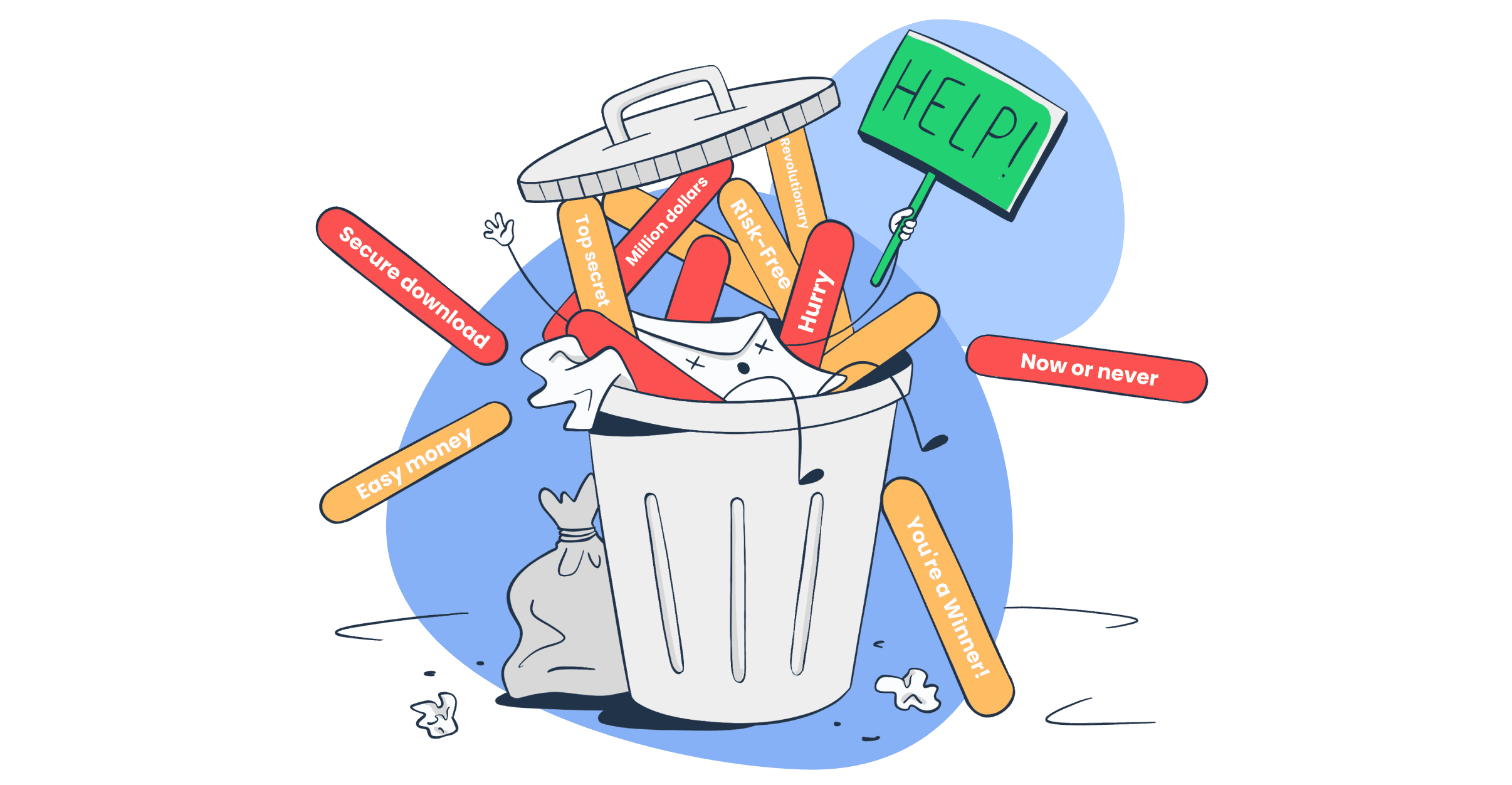
The words you use in your email matter a lot. Spam filters scan your content to detect risky language.
Some words are commonly used in spam emails. When your email contains too many of them, filters may flag it.
Examples of spam trigger words include:
- “Free”
- “Act now”
- “Limited time”
- “Guarantee”
These words create urgency or unrealistic promises. That is why they are often linked with spam.
Using too many capital letters, exclamation marks, or overly promotional language can also raise red flags.
Even if your email is honest, the wrong wording can still send it to spam.
Solutions
- Use clear and natural language
- Avoid too many sales-heavy phrases
- Write like you are talking to a real person
- Keep subject lines simple and honest
- Avoid ALL CAPS and too many symbols
Focus on value instead of hype. This helps build trust and improves delivery.
You include suspicious attachments and links
Links and attachments are another major reason emails go to spam.
Spam filters check every link in your email. If a link looks unsafe or points to a bad domain, your email may get blocked.
Too many links can also be a problem. It may look like you are trying to trick the reader.
Attachments can be risky too. Some file types are often used to spread malware. Because of this, email providers treat them with caution.
Emails with strange or hidden links are more likely to be flagged as spam.
Solutions
- Only include links from trusted domains
- Avoid using link shorteners
- Limit the number of links in your email
- Make sure your URLs match your brand
- Avoid sending unnecessary attachments
- If needed, use safe file formats like PDF
Also, always check your links before sending. Broken or suspicious links can damage your credibility.
You have inaccurate “FROM” information
The “FROM” field is one of the first things email providers check. It shows who sent the email. If this information looks strange or does not match your domain, it raises a red flag.
For example, if your display name says one thing but the email address shows something else, it can confuse both users and spam filters. The same problem happens when you use generic or free email addresses that do not match your brand.
Email providers want consistency. They expect your “FROM” name, email address, and domain to match. If they do not match, your email may look like it is trying to hide its true identity.
This issue can also hurt user trust. People may not open your email if they do not recognize the sender. Some may even mark it as spam.
Solutions
- Use a professional email address with your domain (like name@yourdomain.com)
- Keep your “FROM” name clear and consistent across all emails
- Make sure your domain matches your sending server
- Avoid using free email addresses like Gmail or Yahoo for bulk emails
- Test your emails to check how the sender name appears in inboxes
Clear and honest sender details help both users and spam filters trust your emails.
You lack permission to email people
Sending emails without permission is one of the fastest ways to land in spam.
When people do not expect your email, they are more likely to ignore it or mark it as spam. This sends a strong negative signal to email providers.
Buying email lists or scraping emails from websites is a common mistake. These contacts did not agree to hear from you. Because of this, your emails are seen as unwanted.
Modern spam filters pay close attention to user behavior. If many recipients delete your emails or report them, your future emails will likely go to spam as well.
Solutions
- Only send emails to people who have clearly signed up
- Use a double opt-in process to confirm subscriptions
- Avoid buying or renting email lists
- Clearly explain what users will receive when they subscribe
- Keep records of user consent
Permission-based email marketing builds trust and improves your delivery rate over time.
You have a poor sender reputation
Your sender reputation is like a score that email providers use to judge your emails. It is based on your past behavior.
If you send too many emails, get frequent spam complaints, or have a high bounce rate, your reputation will drop. Once your reputation is low, even good emails may go to spam.
This reputation is tied to your domain and sometimes your IP address. It builds over time. A bad history can take a long time to fix.
Email providers track things like:
- How many people open your emails
- How often your emails are marked as spam
- How many emails bounce
- How often users engage with your content
Poor performance in these areas will hurt your reputation.
Solutions
- Send emails only to active and engaged users
- Remove invalid or inactive email addresses
- Keep your sending volume steady and avoid sudden spikes
- Warm up new domains or IPs slowly
- Monitor your email performance regularly
A strong sender reputation increases your chances of reaching the inbox.
You are being marked as spam by recipients (maybe accidentally)
Sometimes, emails go to spam because users mark them that way. This can happen on purpose or by mistake.
If people do not recognize your email, they may click the spam button. Even a small number of complaints can affect your deliverability.
Accidental reports are also common. Users may try to unsubscribe but hit the spam button instead. This still counts as a negative signal.
Email providers take these actions seriously. If many users report your emails, your future campaigns will likely be filtered into spam.
Solutions
- Make your sender name easy to recognize
- Send a welcome email to remind users why they subscribed
- Keep your content relevant and useful
- Add a clear and visible unsubscribe option
- Ask users to add your email to their contacts
You can also remind subscribers to check their spam folder and mark your email as “not spam” if needed.
Reducing spam complaints is key to maintaining good email performance.
You mislead with your subject lines
Your subject line sets the first expectation. It tells the reader what your email is about. If it feels misleading, both users and spam filters take notice.
A misleading subject line is one that promises something but does not deliver inside the email. For example, saying “You won a prize” when there is no real reward. This creates distrust.
Spam filters are trained to catch this behavior. They compare your subject line with the email content. If there is a mismatch, your email may be flagged.
Users also react quickly. If they feel tricked, they may delete the email or mark it as spam. This sends a strong negative signal.
Even small exaggerations can hurt your credibility. Over time, this can damage your sender reputation.
Solutions
- Write honest and clear subject lines
- Make sure the subject matches the email content
- Avoid clickbait or false promises
- Keep your tone natural and realistic
- Test subject lines to see what works best
When your subject line builds trust, people are more likely to open and engage.
You have low engagement rates
Engagement plays a big role in email delivery. Email providers track how users interact with your messages.
If people do not open your emails, do not click links, or delete them quickly, it sends a bad signal. It tells providers that your emails are not valuable.
Low engagement can happen for many reasons. Your content may not be relevant. Your timing may be off. Or your audience may no longer be interested.
Over time, this can push your emails into the spam folder. Even if your email is well-written, low engagement can still hurt your results.
Solutions
- Send emails that match your audience’s interests
- Personalize content based on user behavior
- Use clear and engaging subject lines
- Test the best time to send emails
- Remove inactive subscribers from your list
Focus on quality over quantity. Engaged users help improve your inbox placement.
You don’t follow HTML email best practices
HTML emails allow you to design rich and attractive messages. But poor coding can cause problems.
Spam filters check the structure of your email. If your HTML code is messy or broken, it may look suspicious.
Common issues include:
- Too much code compared to text
- Missing alt text for images
- Broken layouts or unsupported styles
- Heavy use of images with little text
Emails that rely only on images can be risky. Filters cannot read images well, so they may treat them as spam.
Also, not all email clients support advanced HTML features. This can break your design and reduce trust.
Solutions
- Use clean and simple HTML code
- Keep a good balance between text and images
- Add alt text to all images
- Avoid heavy scripts or complex designs
- Test your email across different devices and email clients
A well-structured email improves both user experience and deliverability.
You have a bad email list
Your email list is the foundation of your email marketing. If your list is poor, your results will suffer.
A bad email list may include:
- Invalid or fake email addresses
- Old and inactive users
- People who never gave permission
- Spam trap addresses
Sending emails to these contacts increases bounce rates and spam complaints. This quickly harms your sender reputation.
Email providers notice this behavior. If your list quality is low, your emails are more likely to go to spam.
Solutions
- Clean your email list regularly
- Remove invalid and inactive addresses
- Use double opt-in to confirm subscribers
- Avoid adding contacts without permission
- Monitor bounce rates and engagement levels
A clean and healthy email list leads to better delivery and stronger results.
You aren’t allowing subscribers to opt-out easily
Every email should give people a clear way to stop receiving messages. If users cannot find an unsubscribe option, they may feel trapped. When that happens, many will mark your email as spam instead.
Spam complaints hurt your sender reputation fast. Even a small number of reports can push your future emails into the spam folder.
Email providers also expect you to follow proper rules. Many email laws require a visible and working unsubscribe option. If you ignore this, your emails may be blocked.
Another common mistake is making the unsubscribe process hard. Some brands ask users to log in or complete many steps. This frustrates people and increases spam reports.
Solutions
- Add a clear and visible unsubscribe link in every email
- Place the link where users can easily find it (usually at the bottom)
- Allow users to unsubscribe in one click
- Do not ask for login or extra steps
- Offer options like reducing email frequency instead of full unsubscribe
Making it easy to opt out builds trust and protects your email reputation.
You haven’t included your physical address
A physical address in your email shows that your business is real. It adds transparency and trust.
Many email laws require you to include a valid mailing address. This helps prove that your emails are coming from a legitimate source.
If your email does not include this information, spam filters may treat it as suspicious. It can look like you are hiding your identity.
Users also feel more comfortable when they see clear business details. It makes your email look professional and safe.
Solutions
- Add your company’s physical mailing address in the email footer
- Make sure the address is accurate and up to date
- Include other contact details like phone or website if possible
- Keep your branding consistent with your business identity
A simple footer with real details can improve both trust and deliverability.
Avoid spam filters: Test your emails before sending
Testing your emails before sending is one of the best ways to avoid spam issues. It helps you catch problems early.
Even small mistakes can trigger spam filters. These may include broken links, missing authentication, or poor formatting. Testing allows you to fix them before your email reaches users.
There are tools that check your email for spam risks. They scan your content, links, and technical setup. They also show how your email will appear in different inboxes.
Testing also helps you improve performance. You can check subject lines, layout, and readability.
Regular testing helps you send clean, trusted emails that reach the inbox more often.
Read More: Proven Ways to Send HTML Email With Gmail