Email marketing is still one of the most powerful ways to reach people online. Every day, billions of emails are sent across the world. But one simple question still confuses many marketers: should you use HTML emails or plain text emails?
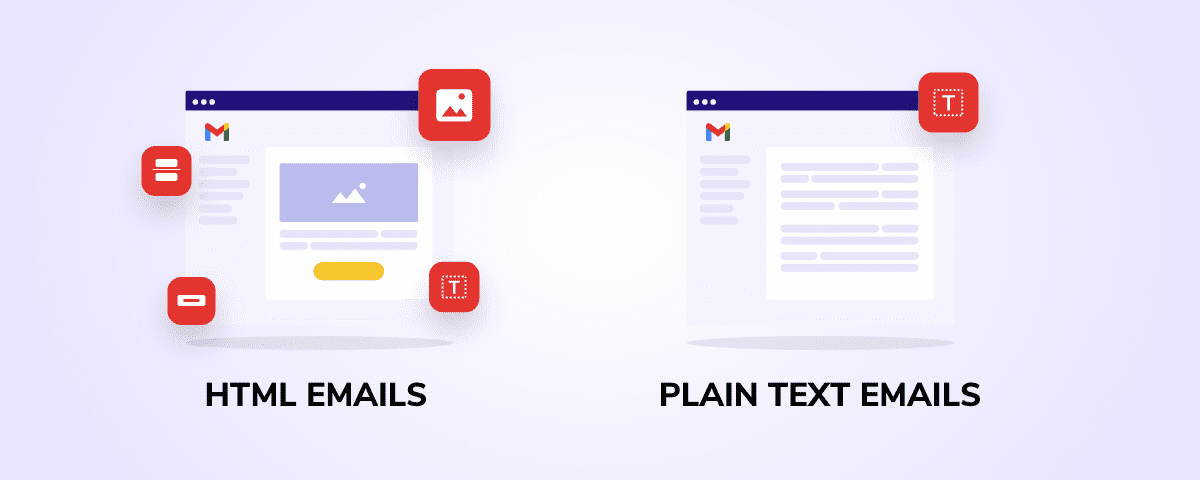
At first, the answer may seem obvious. HTML emails look better. They include images, colors, buttons, and branding. On the other hand, plain text emails are simple. They look like a normal message you send to a friend.
However, the real answer is not that simple.
Both formats have their own strengths. HTML emails are great for design and storytelling. Plain text emails are strong in deliverability and personal connection. Many marketers today use both formats together to get the best results.
To make the right choice, you need to understand how each format performs. You also need to look at real data. Metrics like open rates, click-through rates, and deliverability play a big role in deciding what works best.
HTML vs plain text email statistics

Data tells a powerful story. When you look at real numbers, you start to see patterns. These patterns help you understand what works and what does not.
Let’s explore the most important statistics around HTML and plain text emails.
The curious case of Litmus
One of the most talked-about discussions in email marketing comes from Litmus. Their experiments show that there is no one-size-fits-all answer.
In some cases, plain text emails performed better. They had higher open rates and even better conversions for certain audiences. In one test, around 60% of customers converted from a plain-text-style email.
But the results changed depending on the audience. For non-customers, the difference between HTML and plain text was not very large. This shows something important.
Email performance depends on context.
Litmus also found that plain text emails often feel more personal. They look like real messages from a human. This can build trust and improve engagement.
At the same time, HTML emails help brands stay consistent. They allow companies to show logos, colors, and design. This builds recognition over time.
The key takeaway is simple. Both formats can work well. But their success depends on your audience and message.
More data to keep your hair in place
When you look beyond one study, the trend becomes clearer. HTML emails dominate modern inboxes. Most email clients today are built to display HTML by default.
In fact, only a very small number of users choose to view emails in plain text. In most cases, this number stays under 1%, though it can go up to around 6% in certain industries.
This means most people see the HTML version of your email.
However, that does not mean plain text is not important.
Plain text emails are still widely used. They act as a fallback version. They also play a key role in accessibility. Some users rely on simple formats due to device limits or security settings.
There is another important point. Tracking is easier with HTML emails. Marketers can measure opens and clicks using tracking pixels and links. Plain text emails do not support this in the same way.
So even though HTML is more common, plain text still matters in the background.
Email deliverability
Deliverability is one of the most important metrics in email marketing. If your email does not reach the inbox, nothing else matters.
Here is where plain text emails often shine.
Because they are simple, they are less likely to trigger spam filters. They do not include heavy code, images, or scripts. This makes them safer in the eyes of email providers.
In fact, plain text emails often land directly in the primary inbox. HTML emails, on the other hand, may end up in the promotions tab.
Some reports suggest that plain text emails can increase open rates by up to 42% because of better placement.
HTML emails face more challenges. If the code is broken or too complex, spam filters may flag them. Large images or too many links can also hurt deliverability.
Still, HTML emails are not bad for deliverability if done correctly. Clean code, balanced design, and proper testing can improve results.
The best approach is often to send both versions together. This is called a multipart email. It allows email clients to choose the best version to display.
Open rates by industry
Open rates can vary widely depending on the industry. But one trend stays consistent.
Plain text or simple emails often perform better in industries that rely on trust and direct communication. This includes B2B, consulting, and personal outreach.
These emails feel like one-to-one messages. People are more likely to open them because they look personal.
On the other hand, HTML emails perform well in industries like eCommerce, media, and travel. These sectors depend on visuals. Images, product displays, and design elements help attract attention.
Recent benchmarks show that average open rates across industries can reach around 39% or higher.
Top-performing industries often cross 40%. This shows that strong engagement is possible with the right strategy.
But format still plays a role.
If your email looks like a promotion, it may be ignored. If it looks like a personal message, it may get opened faster.
Click-through rates (CTR) by ESP
Click-through rate, or CTR, measures how many people click on links inside your email. This is where HTML emails usually have an advantage.
HTML emails allow you to add buttons, images, and clear calls to action. These elements guide users and make it easier to click.
Plain text emails rely only on links. They do not have visual buttons or design elements. This can limit their CTR in some cases.
However, the story does not end here.
Some studies show that while HTML emails may get more clicks, plain text emails can get more replies. This is especially true in outreach campaigns.
Email service providers (ESPs) also play a role. Different platforms may handle HTML rendering and spam filtering in different ways.
For example, some ESPs place HTML emails in promotional tabs. This reduces visibility and lowers CTR.
In contrast, plain text emails often land in the main inbox, which can improve engagement.
So the best format depends on your goal. If you want clicks, HTML may help. If you want replies, plain text may work better.
User preferences
User behavior is changing. People receive many emails every day. Because of this, they have become more selective.
Many users prefer emails that feel real and personal. Plain text emails often meet this need. They look like messages from a friend or colleague.
At the same time, users also expect good design from brands. HTML emails provide a rich experience. They include visuals, layouts, and interactive elements.
This creates an interesting balance.
Users want both simplicity and design.
Some marketers solve this by using hybrid emails. These are HTML emails that look like plain text. They keep a simple layout but still allow tracking and basic design.
Community feedback also supports this trend.
“Plain text or minimal design feels like a person wrote it.”
This shows that authenticity matters.
In the end, user preference depends on context. A sales email may work better as plain text. A product newsletter may need HTML design.
Understanding your audience is the key.
HTML vs plain-text email: pros and cons
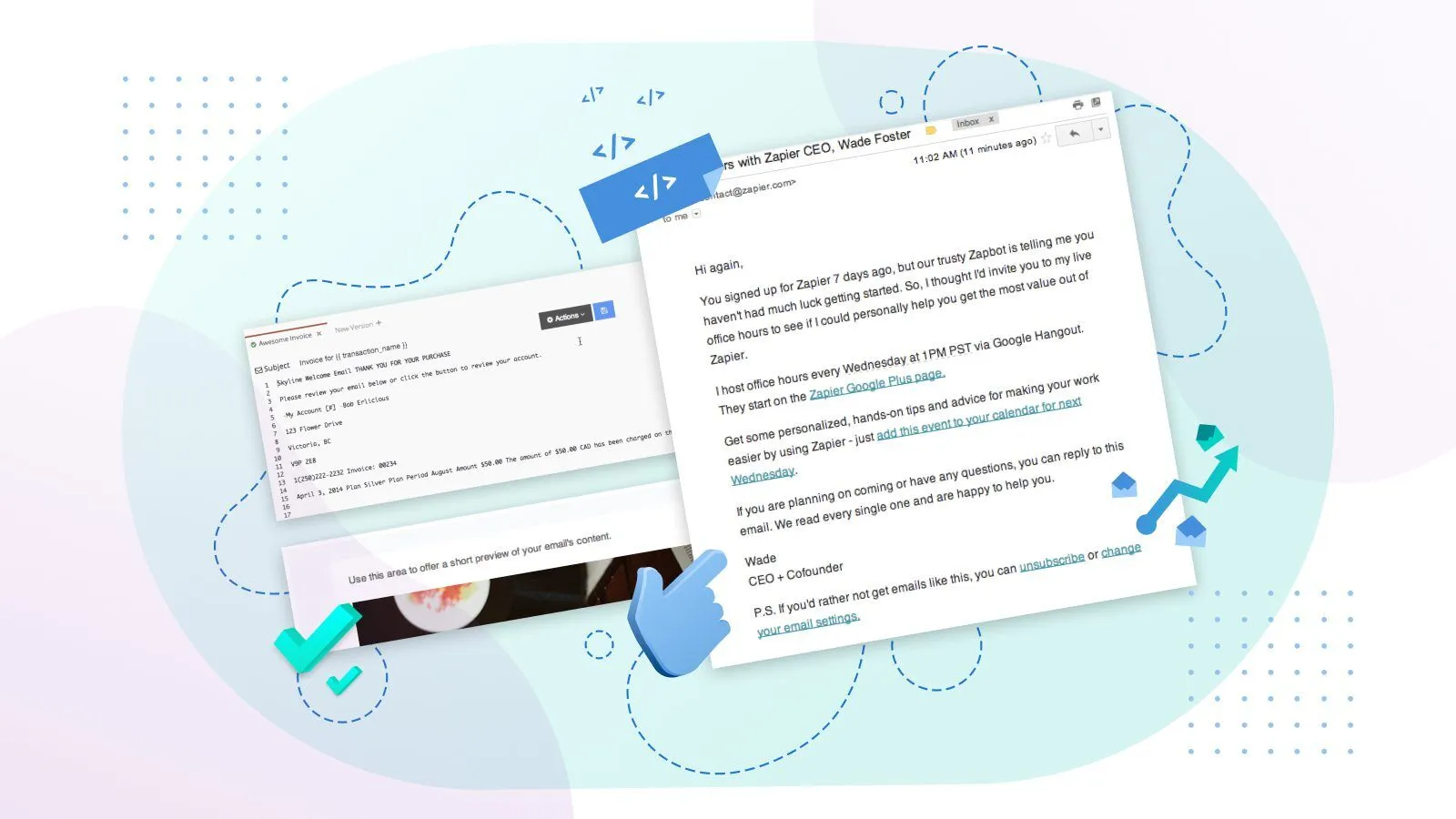
Choosing between HTML and plain-text emails is not about picking a winner. It is about understanding what each format does best. Both types serve different goals, and each comes with clear strengths and limits.
Let’s break them down in a simple way.
HTML emails:
HTML emails are designed to look rich and engaging. They use code to create layouts, colors, images, and buttons. Most modern marketing emails use this format.
Pros of HTML emails
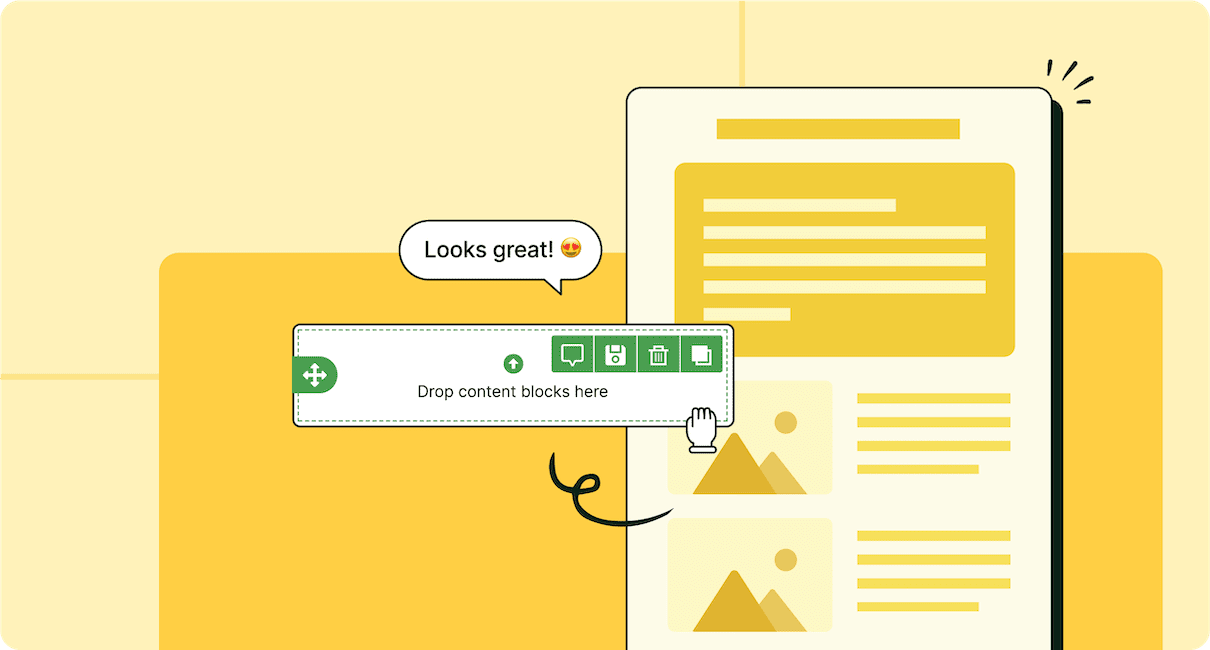
HTML emails give you full control over design. You can build structured layouts using tables and inline CSS. This helps your email look clean across different devices and email clients.
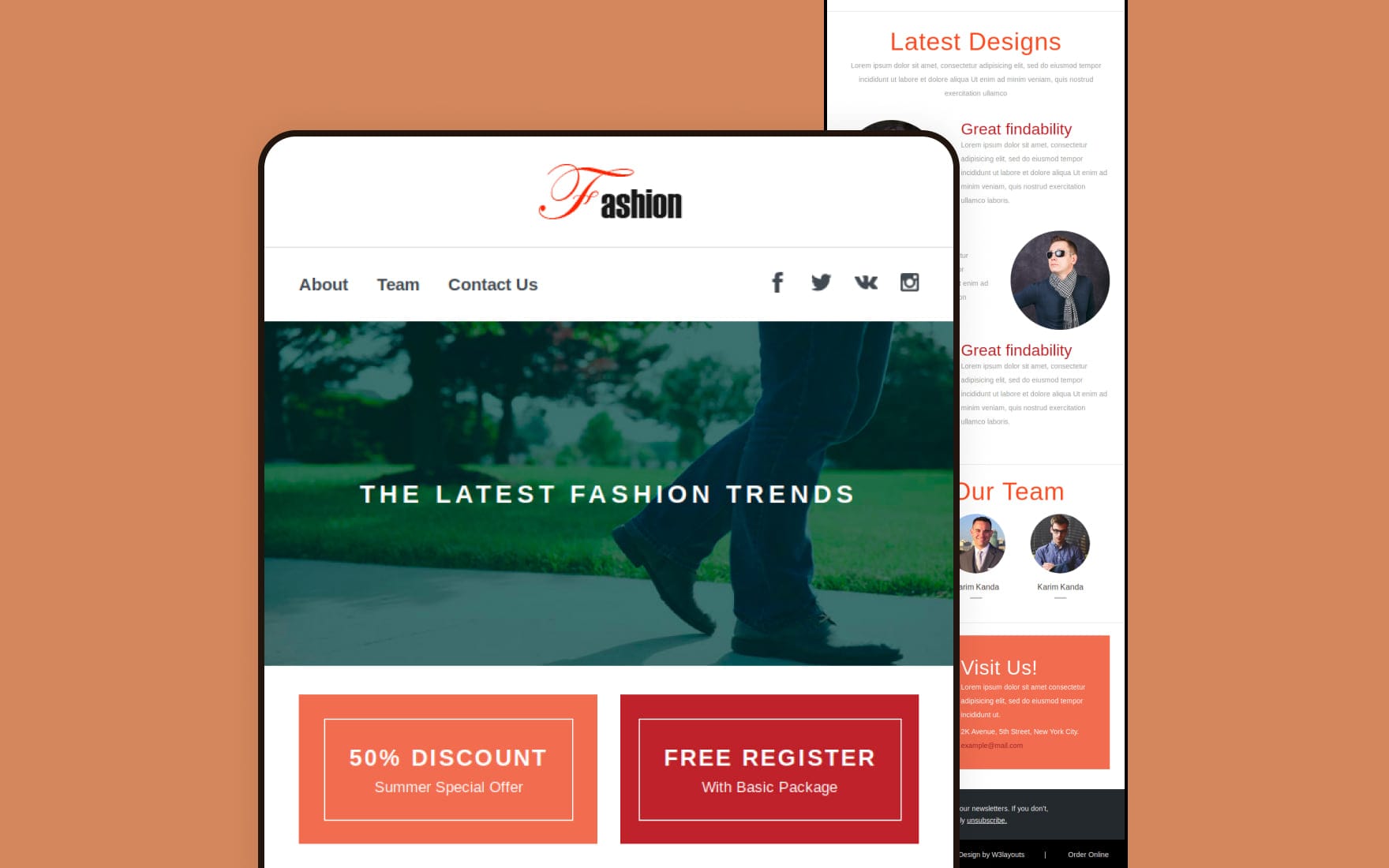
They also support visuals. You can add images, logos, banners, and icons. This makes your message more attractive and easier to understand. For example, product emails or newsletters benefit a lot from visuals.
Another strong advantage is branding. HTML emails let you use brand colors, fonts, and styles. This keeps your emails consistent with your website and builds trust over time.
HTML also supports tracking. You can measure open rates using tracking pixels. You can track clicks through buttons and links. This data helps improve future campaigns.
You can also include clear call-to-action buttons. These buttons guide users and increase click-through rates.
Cons of HTML emails
HTML emails are more complex to build. They require proper structure, such as tables instead of modern layout tools. You also need to use inline CSS because many email clients block external styles.
Rendering can be tricky. Different email clients display HTML in different ways. An email that looks perfect in one inbox may break in another. This is why testing is very important.
Heavy design can hurt deliverability. Too many images, large file sizes, or messy code may trigger spam filters. Some emails may land in the promotions tab instead of the main inbox.
Images can also be blocked by default. If your message depends too much on visuals, users may miss key information.
Accessibility is another concern. Not all users can easily view complex designs. Some devices or settings prefer simple formats.
Plain-text emails:
Plain-text emails are simple. They contain only text with no design elements. They look like a normal email sent from one person to another.
Pros of plain-text emails
Plain-text emails are easy to create. You do not need coding skills or design tools. This makes them fast to write and send.
They perform well in deliverability. Because they are simple, spam filters are less likely to block them. They often land in the main inbox instead of promotions.
These emails feel personal. They look like direct messages, which builds trust. This is why they work well for outreach, support, and one-on-one communication.
They are also lightweight. They load quickly on all devices, even slow connections.
Accessibility is another benefit. Plain-text emails work well with screen readers and older devices.
Cons of plain-text emails
Plain-text emails lack visual appeal. You cannot use images, colors, or layouts. This makes them less engaging for promotional content.
Branding is limited. You cannot show logos or design elements. This may reduce brand recognition.
Tracking is also limited. You cannot use tracking pixels to measure opens. This makes it harder to analyze performance.
Call-to-action options are basic. You can only include links, not buttons. This may reduce click-through rates.
They may also look too simple for some audiences. In marketing campaigns, users may expect a more polished experience.
Best practices for email marketers and marketers in general:
To get the best results, you should not rely on just one format. Smart marketers use both HTML and plain text in a balanced way.
Start by using multipart emails. This means sending both HTML and plain-text versions together. Email clients will choose the best version to display. This improves deliverability and ensures better reach.
Keep your HTML design simple. Avoid heavy layouts and too many images. Use clean tables and inline CSS to maintain consistency across devices.
Always include a plain-text version of your HTML email. This acts as a fallback and supports accessibility.
Focus on content first. Design should support your message, not replace it. Even a well-designed email will fail if the message is weak.
Test your emails before sending. Check how they look in different email clients and devices. This helps you fix rendering issues early.
Use a balanced image-to-text ratio. Too many images can trigger spam filters. Always include enough text to explain your message.
Write clear and strong calls to action. Whether you use buttons or links, guide users on what to do next.
Segment your audience. Some users respond better to simple emails, while others prefer rich designs. Testing different formats can help you find what works best.
Pay attention to deliverability factors. Avoid spammy words, broken links, and messy code. Keep your email list clean and updated.
Finally, think about user experience. Your email should be easy to read, quick to load, and helpful. Whether you choose HTML or plain text, the goal is the same — to connect with your audience in a meaningful way.
HTML email

HTML emails are the backbone of modern email marketing. They allow you to create structured, visually rich messages that match your brand style. With the help of tables, inline CSS, and careful layout design, you can build emails that look clean across most devices and email clients.
These emails are not just about looks. When built correctly, they combine design, content, and functionality in a single message.
Use cases:
HTML emails work best when your message needs visual support or structured presentation.
One of the most common use cases is newsletters. These emails often include multiple sections, such as articles, updates, and links. HTML makes it easy to organize this content in a readable format.
They are also ideal for promotional campaigns. If you are launching a product, offering a discount, or running a sale, HTML emails help you highlight key details. Images, banners, and buttons guide users toward action.
ECommerce emails rely heavily on HTML. Product images, pricing, and call-to-action buttons make it easier for users to explore and buy directly from the email.
Another strong use case is onboarding emails. When a new user signs up, HTML emails can guide them through steps using structured layouts and helpful visuals.
Event invitations also benefit from HTML format. You can include event details, schedules, and RSVP buttons in a clean design.
Transactional emails, such as order confirmations or shipping updates, can also use HTML. A simple layout with clear sections improves readability while keeping the message professional.
Benefits:
The biggest benefit of HTML emails is design flexibility. You can control how your message looks and feels. This helps create a consistent brand identity across all campaigns.
HTML emails also improve user experience. With proper layout and spacing, content becomes easier to scan. Users can quickly find the most important information.
Another major advantage is visual storytelling. Images and design elements help explain your message better than plain text alone. This is especially useful for products, services, and announcements.
HTML supports clear call-to-action elements. Buttons stand out more than simple links. This often leads to higher click-through rates.
Tracking is also a key benefit. You can measure opens, clicks, and user behavior. These insights help you improve future campaigns.
You can also personalize HTML emails. Dynamic content allows you to show different messages to different users based on their behavior or preferences.
Finally, HTML emails support responsive design. When built properly, they adjust to different screen sizes. This ensures a smooth experience on mobile devices.
Plain-text email
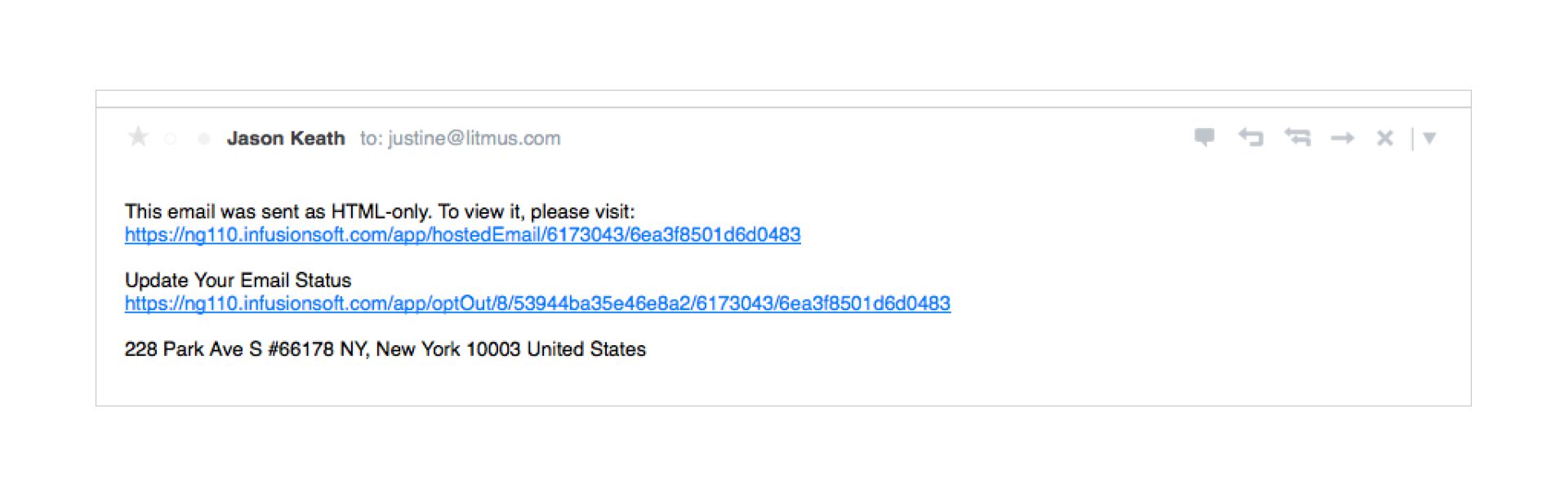
Plain-text emails focus on simplicity. They remove all design elements and deliver the message in its most basic form. While they may look simple, they are still powerful when used in the right way.
These emails feel direct and personal, which makes them valuable in many situations.
Use cases:
Plain-text emails are perfect for one-to-one communication. Sales outreach emails often use this format because it feels like a real conversation.
They also work well for follow-ups. A simple message without design distractions can increase the chances of getting a reply.
Customer support emails often use plain text. Clear and direct communication helps solve problems faster.
Internal communication within teams is another common use case. Plain-text emails are quick to write and easy to read.
They are also useful for announcements that do not need design. For example, updates, reminders, or alerts can be shared in a simple format.
Plain-text emails are sometimes used in cold email campaigns. Since they look personal, they can avoid the feel of mass marketing.
They also act as a fallback version for HTML emails. If an email client cannot display HTML properly, it will show the plain-text version instead.
Benefits:
The main benefit of plain-text emails is simplicity. There is no need for coding or design. This saves time and effort.
They also have strong deliverability. Because they do not include heavy code or images, they are less likely to trigger spam filters. This improves the chances of reaching the inbox.
Plain-text emails feel more human. They look like messages sent by a real person, not a marketing system. This helps build trust and encourages replies.
They are also lightweight. These emails load quickly on any device, even with slow internet connections.
Another benefit is accessibility. Plain-text emails work well with screen readers and basic devices. This ensures that more users can access your message.
They are also easier to maintain. There is no risk of broken layouts or rendering issues across different email clients.
Finally, plain-text emails help focus on the message. Without design elements, the reader pays full attention to the content.
Wrapping up
Choosing between HTML and plain-text emails is not about picking one and ignoring the other. Each format serves a different purpose, and both play an important role in email marketing.
HTML emails are best when you need design, structure, and visual impact. They help you present content in a clear and engaging way. They also support branding, tracking, and higher click-through rates.
Plain-text emails, on the other hand, are strong in simplicity and trust. They feel personal, improve deliverability, and often lead to better replies. They are ideal for direct communication and outreach.
The most effective strategy is to use both formats together. Many marketers send multipart emails that include both HTML and plain text versions. This ensures better compatibility and reach.
You should also test your emails regularly. Different audiences respond in different ways. What works for one campaign may not work for another.
Focus on your goal. If you want engagement and clicks, HTML may be the right choice. If you want replies and connection, plain text may perform better.
In the end, success depends on how well you understand your audience. When you match the right format with the right message, your email campaigns become more effective and meaningful.
Read More: Find Out Why Email Marketing Is Important: 11 Reasons Why You Should Invest